
TaxWise® & CrossLink® partner · White-glove
Tax software onboarding is where offices either become productive before peak—or discover in January that a license is not a practice. White-glove means humans configure TaxWise® or CrossLink® with you, train roles, run dry-runs, and define go live in writing—not a PDF dump and a hope.
ProSoft Tech Solutions is an authorized TaxWise® and CrossLink® partner/connector. We help professional tax offices with tax software onboarding, training, and year-round support. We do not publish a proprietary engine, and we are not a bank or lender. Soft ~48 hours typical when ready—not a guarantee.
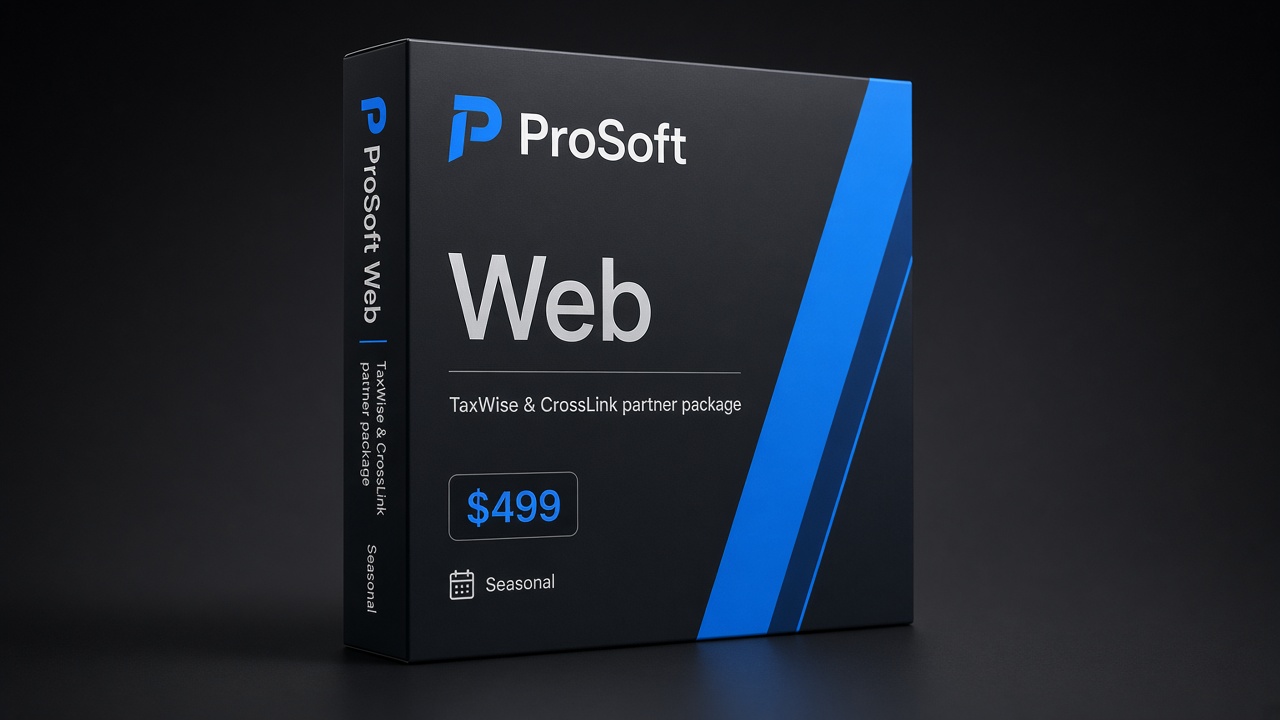
Web
$499
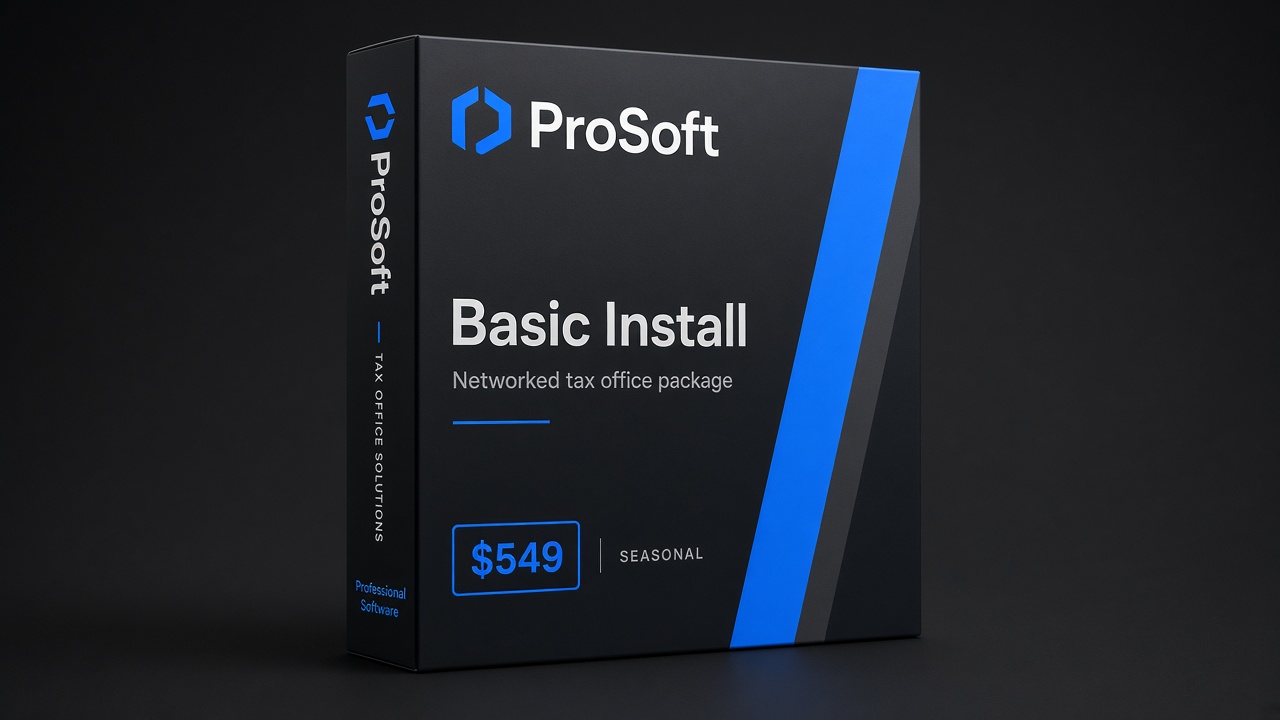
Basic Install
$549
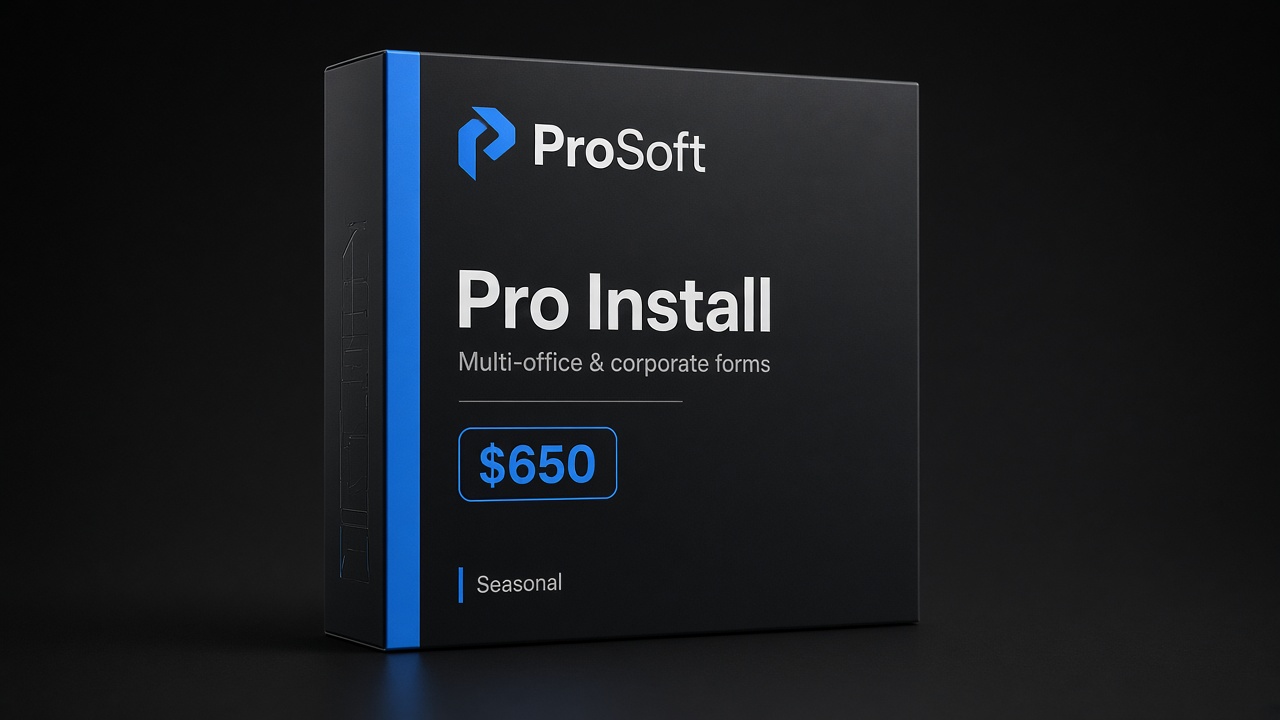
Pro Install
$650
Why offices stall without real onboarding
Most stalled launches share a pattern: credentials and ambition are present; operational runway is not. The software arrives. Someone clicks around. Peak shows up. Then the office learns—loudly—that buying access and running a practice are different jobs.
Common stall points:
- Software purchased without a training calendar
- EFIN still in process while ads promise “open Monday”
- No named software captain
- Fee scripts unfinished while intake goes live
- Bank-product conversations before dry-run success
- Support expectations assumed but never written
- New hires thrown into live returns with no happy-path practice
- Printers, signatures, and network quirks discovered on the first busy Saturday
An implementer-led tax software onboarding path exists because licenses alone do not create a practice. Before you invent a parallel project plan, browse the Resources hub and the open a tax office checklist. Those pages keep software, EFIN, PTIN, and bank-ready work on one runway instead of five scattered sticky notes.
If you are already mid-season on another stack and thinking about a move, pair this page with switch professional tax software. Onboarding quality is half the switch. The other half is honesty about data, timelines, and what “ready” means on paper.
What white-glove tax software onboarding includes
Confirm scope on your plan and quote. Typical ProSoft white-glove onboarding covers the work that turns a login into a working office:
- Kickoff discovery — return mix, user count, states, EFIN status, whether bank-product enablement is later-stage interest (interest is not enrollment)
- Environment setup — users, permissions, printers and network basics as applicable to your TaxWise® or CrossLink® path
- Configuration help — so preparers are not guessing defaults on day one
- Role-based training — preparer, reviewer, and front-desk touchpoints sized to how your office actually files
- Dry-run returns — happy path plus at least one reject-path exercise before you market “we’re open”
- Go-live criteria — software captain named, support numbers posted, “ready” defined in writing
- Year-round support handoff — how tickets escalate after the onboarding window closes
ProSoft facilitates access to IRS-approved TaxWise® and CrossLink® platforms (trademarks of their respective owners; “IRS-approved” attaches to those platforms). ProSoft does not publish a proprietary Drake-style engine. Partner-path detail lives on the TaxWise® & CrossLink® partner path page.
White-glove tax software onboarding is not a webinar recording and a hope. It is humans walking your team through the path you will use in January—then leaving you with a checklist you can point at when someone asks, “Are we live?”
What “go live” means in writing
Do not accept “you’re live” as a vibe. Real tax software onboarding ends with a short written checklist. Here is a starter offices use with ProSoft:
| Criterion | Owner | Met? |
|---|---|---|
| Users created with unique logins | ProSoft + captain | |
| PTIN fields populated per preparer where required | Each preparer + captain | |
| EFIN / e-file path verified for entity | Office + IRS | |
| Happy-path dry-run completed | Captain | |
| Reject-path dry-run completed | Captain | |
| Support contacts posted for peak hours | Captain | |
| Package / platform mapping confirmed on quote | Owner | |
| Soft-open date agreed (limited appointments before full blast) | Owner + captain |
Until the rows you care about are checked, marketing blasts are optional—training is not. That discipline is how a go live tax office moment stays boring in a good way: nobody discovers a missing login or a mystery reject on the first walk-in of the week.
Print the table. Tape it near the captain’s monitor. Update it when you add a second location or a mid-season hire. In tax software onboarding, “go live” is a definition, not a mood.
Training before peak
Peak season punishes skipped training. Lock dates before marketing calendars fill—training is the core of serious tax software onboarding. Training that waits for “after the first rush” usually becomes training that never happens.
Train for:
- Intake → prepare → review → e-file happy path
- Reject diagnostics and who escalates to ProSoft
- Printer, signature, and basic peripherals as applicable
- Fee conversation scripts (office policy—not ProSoft legal advice)
- If bank products come later: where disclosures live; interest is not enrollment
Name backups for the software captain. Single points of failure are how February breaks. If only one person can reset a password, clear a reject, or find the support number, you do not have an onboarding plan—you have a single point of panic.
Role-based blocks beat “everyone sit through everything.” Preparers need the prepare path. Reviewers need the review and reject path. Front desk needs status language and what not to promise clients. Owners need fee-policy and bank-ready decisions. Short, focused blocks stick. Marathon dump sessions do not.
Typical timeline (~48 hours when ready)
Many offices complete ProSoft tax software onboarding quickly when EFIN status, documents, and partner dependencies are clear. About ~48 hours is a typical go-live window when ready—that is an operational observation, not a guarantee.
Your responsiveness still sits on the critical path. So do IRS and partner timelines you do not control. If EFIN is pending, documents are incomplete, or the captain cannot attend training, the clock does not start in a useful way. Soft language exists for a reason: honest operators plan around dependencies instead of slogans.
If those pieces are missing, ask for a realistic sequence—not a faster promise. Speed without readiness is how offices “go live” on paper and stall on the floor.
Dependencies: EFIN, PTIN, bank-ready
Tax software onboarding sequences around these dependencies. It does not replace IRS approval or partner underwriting.
| Dependency | Guide |
|---|---|
| EFIN | EFIN for tax preparers · IRS e-file provider services |
| PTIN | PTIN for tax preparers · IRS PTIN requirements |
| Utilities | IRS utilities bookmark |
| Bank-ready (optional) | Bank products · Bank product disclosures |
Treat EFIN and PTIN as office hygiene, not afterthoughts. Marketing that promises “open Monday” while the e-file path is still unclear creates client trust problems you cannot train away in an afternoon.
Refund transfers and related bank products are offered by partner banks and processors, not by ProSoft Tech Solutions. Programs are subject to partner approval and client eligibility. Fees (preparation and/or bank/product fees) may reduce the client’s refund. IRS and state refund timing are not guaranteed. Optional advances, when mentioned, are separate credit products. Where applicable, Member FDIC applies to the partner bank—not ProSoft. See bank products and bank product disclosures. Interest via demo form is not bank enrollment.
Package fit
Confirm current seasonal pricing on Pricing. Quality tax software onboarding should be part of package value—not an upsell surprise.
Web
$499
Lean / browser-friendly individual focus, with ProSoft white-glove onboarding as marketed for this tier.
Basic Install
$549
Networked / installed workflows with ProSoft setup help and role-based training.
Pro Install
$650
Broader business forms as marketed, with the same white-glove go-live discipline.
Package choice follows return mix and how your team works—not which number looks smallest in isolation. Bring your mix to the demo so mapping stays honest. Partner-path context: TaxWise® & CrossLink® partner path.
Support after go-live
White-glove fails if support vanishes on day two of peak. Before you sign, ask:
- Hours and channels (phone and email)
- What “year-round” means for your plan
- How multi-user offices escalate
- Whether seasonal surge changes response expectations
- Who on your side owns the first call when a reject hits at 6 p.m.
Post ProSoft +1 (877) 268-6232 where preparers can see it without unlocking a manager’s phone. Support that exists only in one person’s contacts is support that disappears when that person is with a client.
Year-round support is part of why offices choose implementer-led tax software onboarding over a DIY download. Peak is not the time to discover that “support” meant a knowledge base and a ticket queue with no human who knows your setup.
White-glove tax software onboarding vs DIY
| DIY setup | White-glove tax software onboarding | |
|---|---|---|
| Configuration | Trial and error | Guided with captain |
| Training | Optional / recorded only | Role-based live calendar |
| Dry-runs | Often skipped | Built into go-live definition |
| Timeline honesty | Hope | Soft ~48h typical-when-ready language |
| Aftercare | Ticket lottery | Year-round human support emphasis |
| “Are we live?” | Someone’s opinion | Written checklist |
DIY can work for operators who already know the platform cold and have spare calendar before peak. Most offices that stall are not short on effort—they are short on defined tax software onboarding and a human sequence. Switching stacks? Pair this page with switch professional tax software.
Sample go-live agenda
Offices often ask what a white-glove tax software onboarding day looks like. One workable pattern (adjust to package and platform):
- Hour 0–1: Kickoff recap—users, states, EFIN/PTIN status, success metrics
- Hour 1–2: Environment verification—logins, permissions, printers as applicable
- Hour 2–3: Preparer training block—happy-path return
- Hour 3–4: Reviewer + reject-path block; escalate rules to ProSoft support
- Close: Written go-live checklist sign-off; support numbers posted; soft-open date agreed
Multi-day calendars are normal for larger teams. The point is intentional sequencing—not speed theater. If your office needs a second preparer block or a front-desk script session, schedule it.
Captain kit (print and tape near the monitor)
- ProSoft phone: +1 (877) 268-6232
- Contact / demo form bookmark
- Links: Resources · Partner path · IRS utilities
- EFIN and PTIN guides for mid-season hires
- Bank products and disclosures if fee products are enabled later
Who should attend
Invite the people who will actually touch production to tax software onboarding—not only the owner who signed the quote:
- Software captain (required) — owns dry-run sign-off and peak escalation
- At least one preparer who will file in week one
- Reviewer / quality lead if your office separates prepare vs review
- Front desk for intake and status scripts (a short block is enough)
- Owner for fee-policy and bank-ready decisions (can join kickoff + close)
Missing the captain is the fastest way to turn white-glove into “we forgot everything by Monday.” If the captain cannot attend, reschedule. Do not proxy-train through someone who will not own the checklist.
Week-two check-in
Schedule a 30-minute check-in after soft open:
- Which rejects appeared in live work?
- Which training gaps need a refresher block?
- Are support numbers still posted and used?
- Is bank-ready paperwork still later-scope—or ready to start with disclosures?
- Does the written go-live definition need a revision for location two or a new hire?
That loop is part of serious tax software onboarding, not an upsell. Offices that treat week two as optional often rediscover the same gaps in March—under worse pressure.
Talk onboarding
Bring return mix, user count, states, EFIN/PTIN status, preferred training windows, and whether bank products are later-scope. We will map package fit, walk white-glove tax software onboarding scope, and keep go-live language honest.
PROSOFT TECH SOLUTIONS
2501 Bristol Drive, Suite B1
West Palm Beach, FL 33409
+1 (877) 268-6232 · info@prosofttaxsoftware.com
TaxWise® and CrossLink® are trademarks of their respective owners. ProSoft Tech Solutions is an independent partner/provider of onboarding and related services—not a bank or lender. Not legal, tax, or credit advice. Soft claims only—no absolute 48-hour guarantee. Many offices complete onboarding in roughly ~48 hours when ready; that is typical when dependencies are clear, not a guarantee.