
PTIN · Office hygiene
A PTIN—Preparer Tax Identification Number—is how many paid tax return preparers identify themselves to the IRS on returns they prepare for compensation. If you manage a professional tax office, PTIN hygiene is an operations issue: each preparer who needs one should obtain or renew through official IRS channels and configure their own credentials in your professional software—not borrow a colleague’s identity.
This page is an office-view resource for firm owners, office managers, EAs, and CPA practices. It is educational, not legal or regulatory advice. For who must obtain a PTIN, renewal cycles, fees, and exceptions, always follow current IRS instructions.
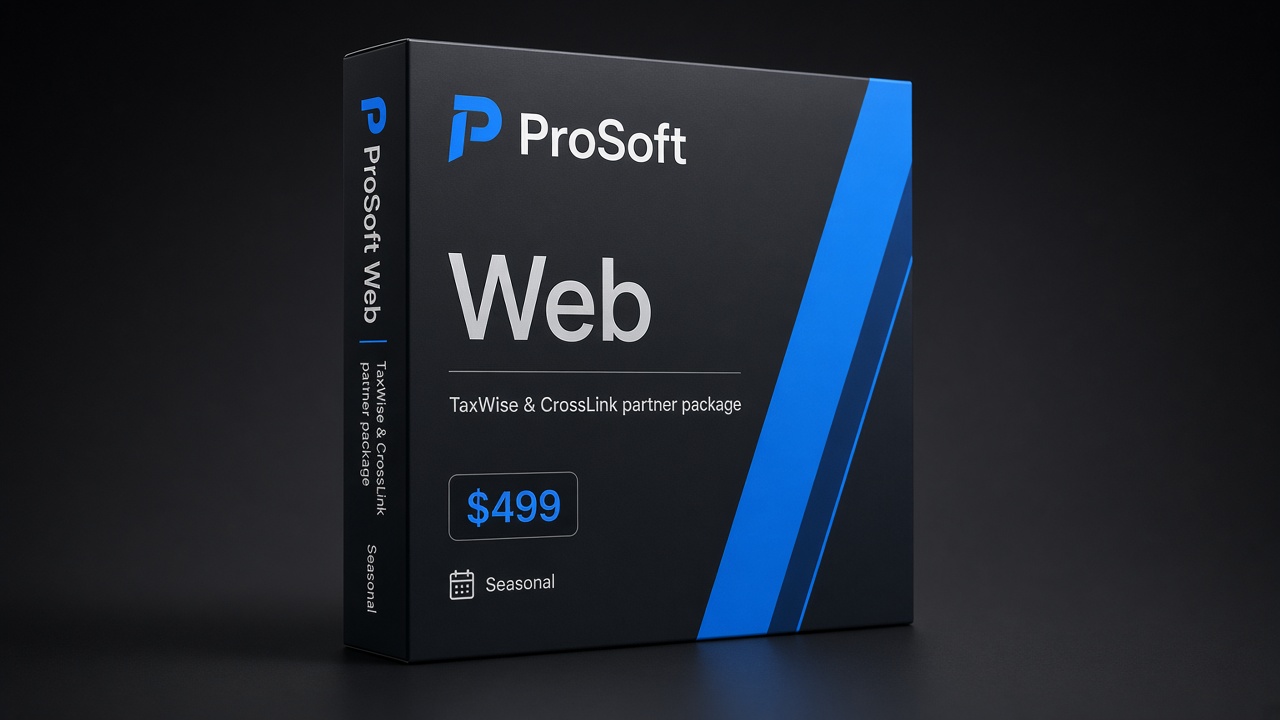
Web
$499
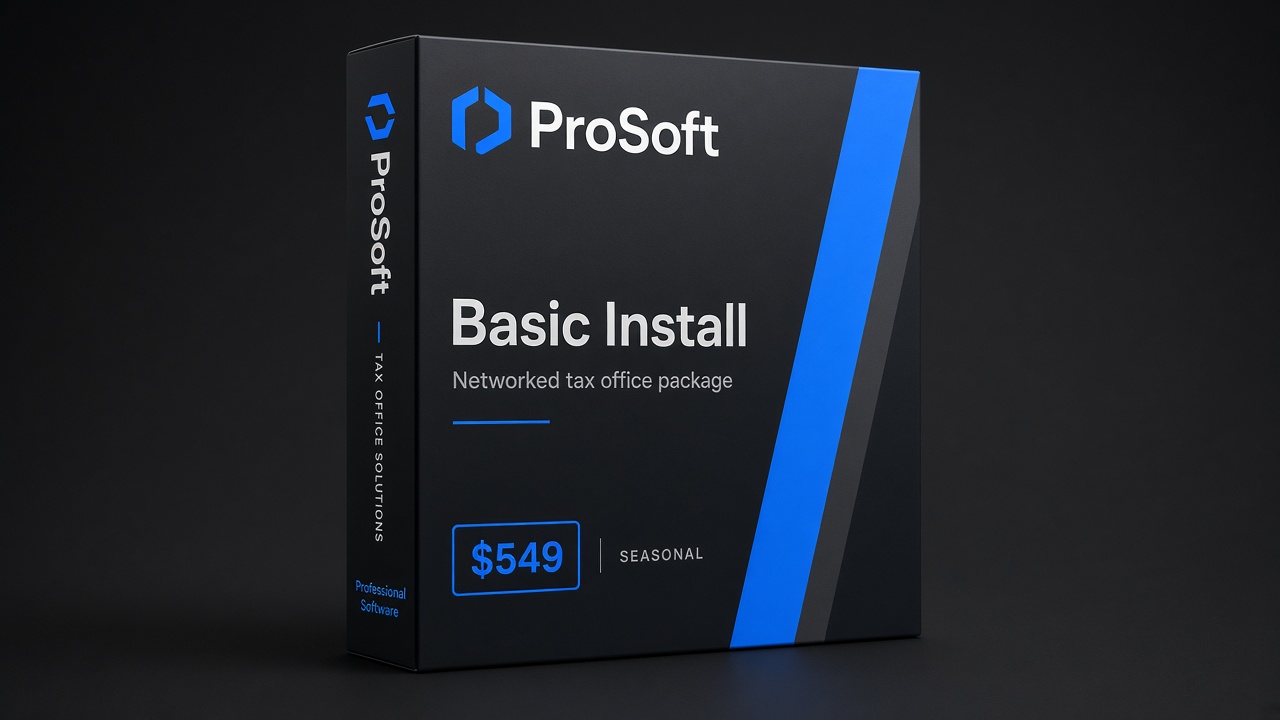
Basic Install
$549
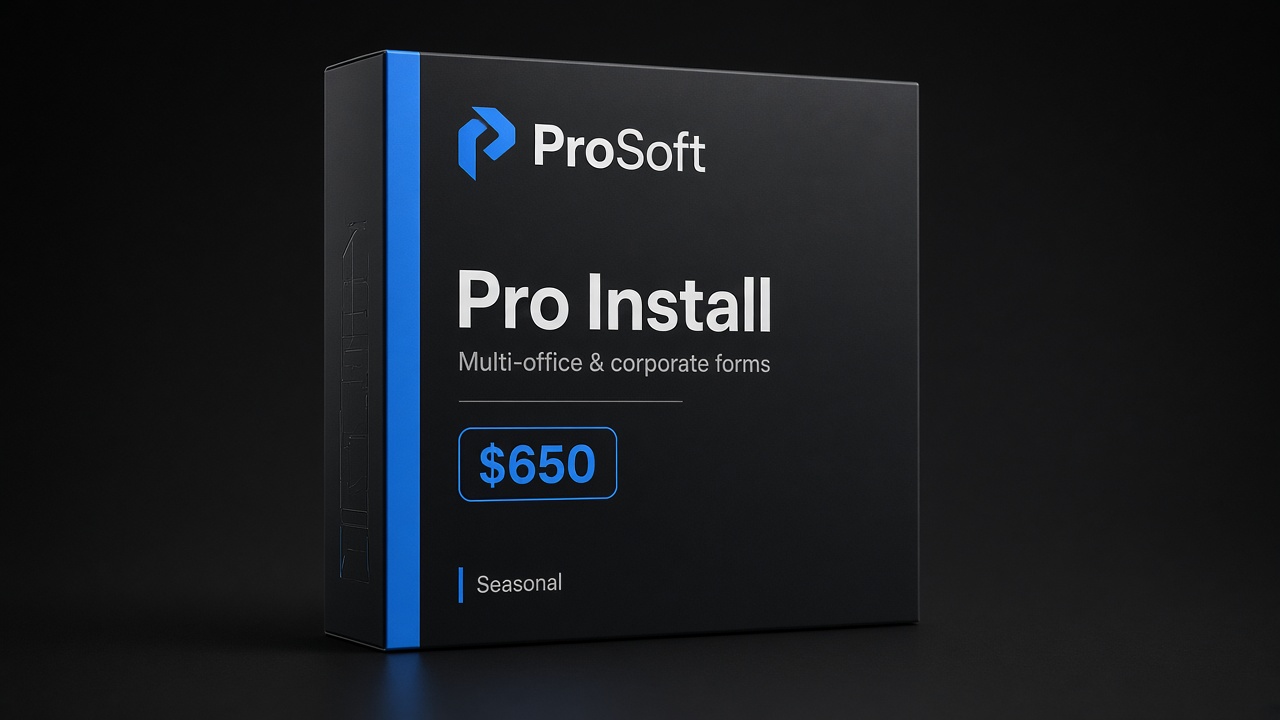
Pro Install
$650
What a PTIN is (high level)
At a high level, a PTIN is an identifying number paid preparers use in IRS-facing preparation contexts as the IRS requires. It is distinct from a Social Security number presentation on the return in the ways the IRS specifies, and it is distinct from an EFIN (the Electronic Filing Identification Number for Authorized e-File Providers).
This guide will not:
- Decide whether your specific staff member must hold a PTIN
- Interpret exemptions or edge cases
- Guarantee renewal timing or IRS system uptime
- Replace the official IRS PTIN requirements page
It will help office leaders build a repeatable process so January is not spent chasing passwords and shared logins.
Who needs a PTIN — office framing
From an office-management seat, treat PTIN as a per-preparer readiness item—similar to how you track licenses, CPE where applicable, and software user seats.
Typical office patterns (illustrative only—confirm against IRS rules for your people):
| Role pattern | Ops question to ask |
|---|---|
| Owner who prepares returns | Is my PTIN active for this filing season? |
| Staff preparer paid to prepare | Has each person completed IRS PTIN obtain/renew steps that apply to them? |
| Seasonal hires | Start PTIN chores at offer acceptance—not the first day of peak |
| Reviewers / quality control | Confirm whether their touch on returns triggers PTIN rules for your workflow—see IRS, not this blog |
| Administrative staff who never prepare | Usually a different category; still document who may and may not prepare |
When in doubt, see the IRS—not a software partner’s marketing page—for the governing answer. ProSoft’s job is to help you run TaxWise® or CrossLink® professionally once people are credentialed correctly.
New PTIN vs renew
Offices waste weekends on two avoidable mixes:
- Assuming “I had a PTIN years ago” equals “I can prepare tomorrow.” Renewal and account access are real chores. Use the official IRS PTIN process for new vs renew paths.
- Letting one manager “handle PTINs for everyone.” Identity credentials are personal. Managers can remind, checklist, and deadline—but each preparer should complete their own IRS account work.
Bookmark also:
- IRS utilities for tax pros — newsletter, newsroom, e-Services landing
- EFIN guide — provider-level e-file identity
Renew early enough that a locked account does not collide with your software training week.
Office tip: each preparer configures their own PTIN
This is the practical heart of a PTIN tax preparer office policy:
- Issue a written rule: No shared PTIN. No “use the owner’s number on every return.”
- Checklist at hire / seasonal onboarding: IRS PTIN obtain or renew complete → then software user created → then PTIN entered in the platform profile the way TaxWise® or CrossLink® expects for your package.
- Verify in a dry-run return before live clients. Happy-path and reject-path practice should include preparer identity fields.
- Audit before peak: Export or review user lists; confirm every active preparer seat maps to a real person with a current PTIN where required.
- Offboarding: Disable software users the same week someone leaves so credentials do not linger.
ProSoft white-glove onboarding can walk your software captain through user setup patterns. We still will not complete IRS PTIN applications on behalf of your staff as a substitute for their own accounts.
PTIN vs EFIN — do not conflate them
| PTIN | EFIN | |
|---|---|---|
| Plain-English role | Preparer identification (when required) | Electronic filing provider identification |
| Typical “who” | Individual preparers | Office / provider enrollment |
| Where to start (official) | PTIN requirements | E-file provider services |
| ProSoft owned guide | This page | EFIN for tax preparers |
Launch plans that only mention software packages—and skip both rows—are incomplete. See also Open a tax office.
How PTIN fits ProSoft / TaxWise® / CrossLink® workflows
ProSoft Tech Solutions is an authorized TaxWise® and CrossLink® partner/connector. We facilitate platform access, onboarding, training, optional partner bank-product enablement, and year-round support. ProSoft is not a proprietary tax-engine publisher and not the bank or lender.
Packages (confirm on Pricing):
| Package orientation | Marketed seasonal price |
|---|---|
| Web Package | $499 |
| Basic Install Package | $549 |
| Pro Install Package | $650 |
These tiers are ProSoft access + onboarding packages—not a claim that ProSoft owns the calculation engine. “IRS-approved” attaches to TaxWise® / CrossLink® platforms when claimed.
In onboarding, expect conversations like:
- How many preparer users need seats this season?
- Has each preparer finished IRS PTIN obtain/renew steps that apply to them?
- Is EFIN active for the filing entity?
- Who is the internal software captain for rejects and password resets?
Many offices complete ProSoft onboarding quickly when credentials, EFIN, and paperwork are clear; ~48 hours is typical when ready—not a guarantee.
Seasonal ops checklist
Copy this into your office wiki (still not legal advice):
- [ ] IRS PTIN page bookmarked for every preparer
- [ ] New hires: PTIN task on day-zero checklist
- [ ] Returning staff: renew/access verified before training week
- [ ] Software users created per person—no shared logins
- [ ] PTIN entered in platform profiles per vendor guidance
- [ ] Dry-run return includes preparer identity fields
- [ ] EFIN status verified in parallel (EFIN guide)
- [ ] Support contacts posted (ProSoft +1 (877) 268-6232)
- [ ] If bank products later: read bank products + disclosures; interest ≠ enrollment
Training week: weave PTIN into dry-runs
White-glove onboarding should not treat PTIN as paperwork you finish “someday after training.” Sequence it earlier:
- Pre-work email to every preparer with the official IRS PTIN link and a firm deadline.
- Day-of training: confirm each software user profile has the correct PTIN fields populated per TaxWise® or CrossLink® guidance for your package.
- Dry-run set: at least one simple 1040-style path and one reject/fix path so preparers see how identity fields travel with the return.
- Captain sign-off: the internal software captain initials a roster—name, user ID, PTIN-on-file (yes/no), EFIN entity note.
ProSoft trainers can facilitate the software side. IRS account recovery remains the preparer’s responsibility.
Multi-office and seasonal surge patterns
Growing firms often stumble when:
- A second location reuses the first location’s shared habits (including, dangerously, shared preparer numbers)
- January surge hires receive software logins before PTIN chores clear
- Owners assume EA/CPA credentials somehow “replace” PTIN rules that may still apply—see IRS, do not assume
Use the same Resources hub checklist language across locations so PTIN tax preparer policy is consistent. Keep identity hygiene boring and documented.
What ProSoft will and will not do on PTIN
| ProSoft will | ProSoft will not |
|---|---|
| Remind offices that per-preparer PTIN setup belongs on the onboarding checklist | File or renew PTINs as a substitute for each preparer’s IRS account |
| Help map users in TaxWise® / CrossLink® during training | Give legal opinions on who is exempt |
| Soft-plan go-live around credential readiness | Guarantee IRS processing speed |
| Point you to official IRS pages and owned IRS utilities | Invent paperless apps or credential products we do not offer |
That honesty is part of the partner-connector positioning: implementer clarity beats inflated claims.
Package fit
Confirm current seasonal pricing on Pricing. ProSoft packages facilitate TaxWise® / CrossLink® access with onboarding—not a proprietary engine.
Web
$499
Lean / browser-friendly individual focus with ProSoft onboarding as marketed for this tier.
Basic Install
$549
Networked / installed workflows with ProSoft setup help and role-based training.
Pro Install
$650
Broader business forms as marketed, with the same white-glove go-live discipline.
Package choice follows return mix and how your team works. Bring your mix to the demo so mapping stays honest.
Demo for office setup
Bring approximate preparer count, states, return mix, EFIN status, and whether partner bank products are a later priority.
- Request pricing & demo
- Phone: +1 (877) 268-6232
- Email: info@prosofttaxsoftware.com
- Hub: Tax office resources
NAP: PROSOFT TECH SOLUTIONS · 2501 Bristol Drive, Suite B1, West Palm Beach, FL 33409
TaxWise® and CrossLink® are trademarks of their respective owners. ProSoft Tech Solutions is an independent partner/provider of onboarding and related services—not a bank or lender. Not legal, tax, or regulatory advice. Soft claims only. Always follow current IRS PTIN instructions.
PROSOFT TECH SOLUTIONS
2501 Bristol Drive, Suite B1
West Palm Beach, FL 33409
+1 (877) 268-6232 · info@prosofttaxsoftware.com
Privacy · Terms · Bank product disclosures
TaxWise® and CrossLink® are trademarks of their respective owners. ProSoft Tech Solutions is an independent partner/provider of onboarding and related services—not a bank or lender. Soft claims only—no absolute 48-hour guarantee.