
Switch stack · Honest conversion
Every fall, offices say they will switch professional tax software “after April.” Then May becomes October, and January arrives with last year’s workarounds. If your stack is slow, expensive, weak on support, or painful for multi-user work, you need a switch plan—not more willpower.
This guide is the honest conversion home for B2B operators who need a switch plan—not more willpower. ProSoft Tech Solutions is an authorized TaxWise® and CrossLink® partner/connector—not a proprietary engine publisher, not a franchise, not the bank.
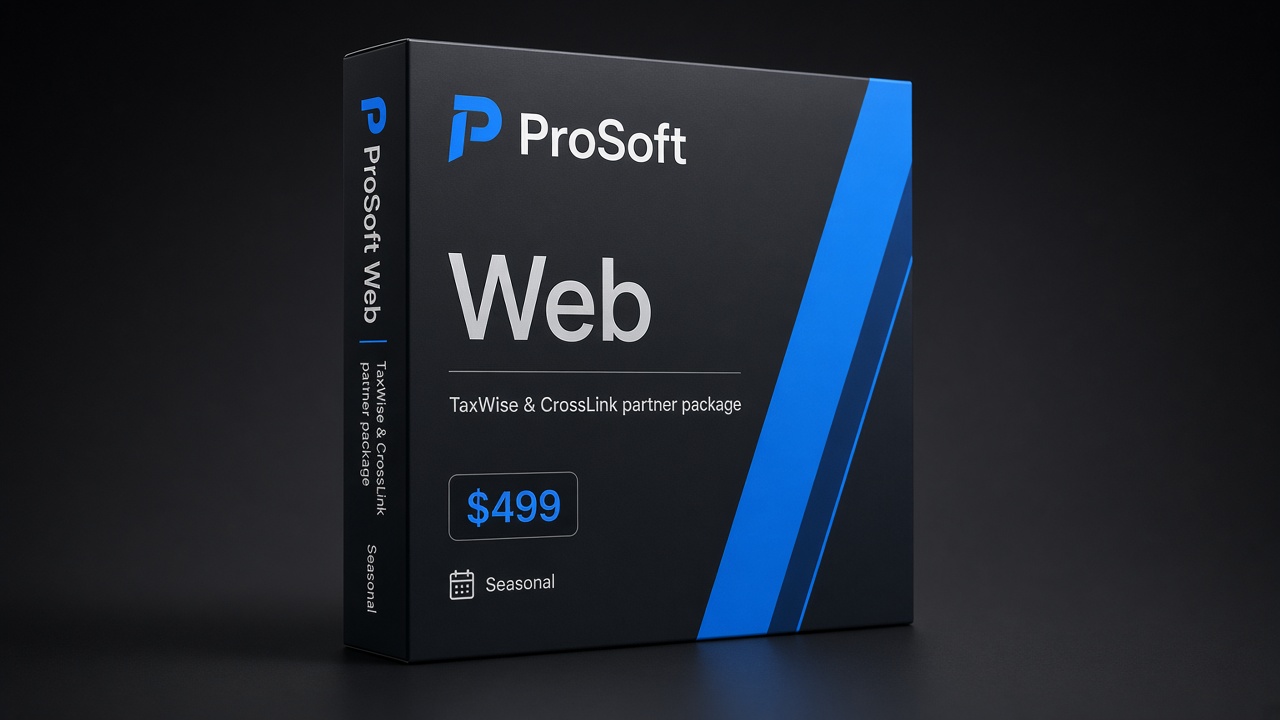
Web
$499
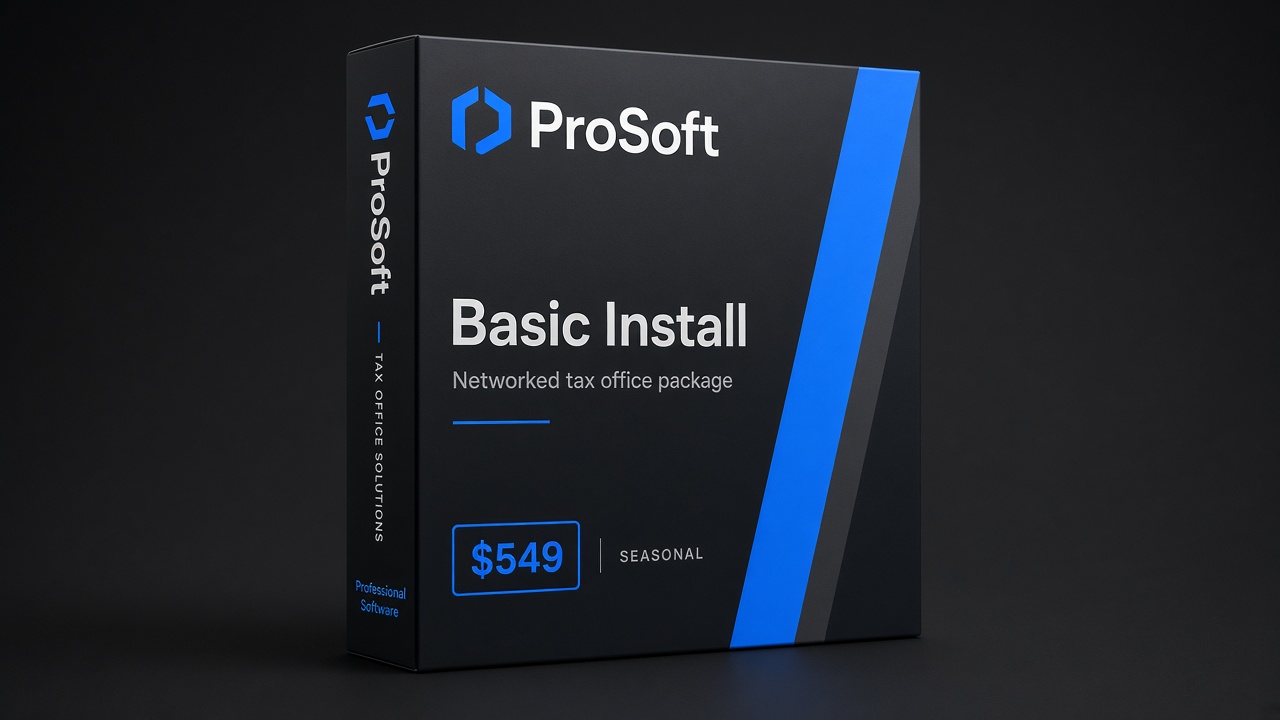
Basic Install
$549
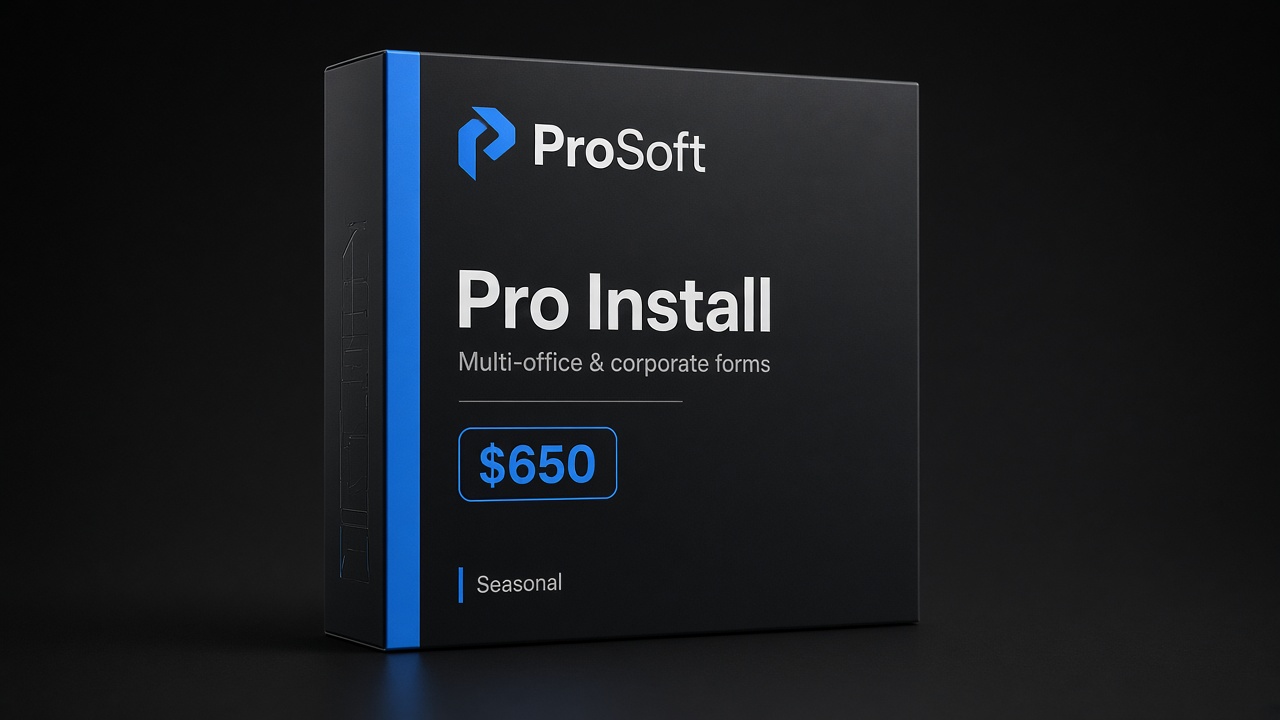
Pro Install
$650
Who this guide is for
- Solo preparers outgrowing brittle tooling
- Offices unhappy with support gaps, total seasonal cost, or multi-user pain
- Firms adding locations that need consistent SOPs
- Operators leaving another professional suite and wanting implementer-led onboarding
Not for: consumer DIY filers, or anyone expecting guaranteed income or guaranteed “free conversion of everything overnight.”
Why offices really switch
Feature matrices rarely match private motives. Common drivers when firms switch professional tax software:
- Total cost of season — base license looks fine until states, business forms, or bank-product economics stack up
- Support gaps — rejects and transmission stalls need humans, not webinars alone
- Fee-collection friction — weak or opaque partner bank-product paths
- Multi-user pain — permissions, networking, remote preparers
- Training debt — new hires cannot become productive in a week
Write your “why” in one sentence. That sentence drives package orientation and whether bank enablement is year-one or later.
Honesty rules (no fake bake-offs)
ProSoft wins on implementer honesty, not logo-wall “we beat everyone” theater.
| Do | Don’t |
|---|---|
| Describe partner/connector role clearly | Claim ProSoft owns TaxWise®/CrossLink® engines |
| Admit conversion scope varies | Promise “free conversion of everything” without defining scope |
| Soft-claim go-live when dependencies clear | Absolute 48-hour guarantees |
| Link disclosures when bank products appear | Guaranteed fee collection |
| Respect competitors as tools some offices still like | Trash Drake (or anyone) with invented scorecards |
“IRS-approved” attaches to TaxWise® and CrossLink® platforms when claimed.
Eight-week switch framework
Compress only if staffing and applications cooperate. Work backward from first high-volume week.
Weeks 8–7: Decide and document
Inventory return mix (1040 / schedule-heavy / business / multi-state), user count, locations, peripherals, last year’s bank-product volume (if any), and must-keep integrations. Define success metrics in writing (“all W-2 paths e-fileable by date X,” “every preparer completes training checklist”).
Weeks 6–5: Access and applications
Verify EFIN status (EFIN guide · IRS e-file provider services). Confirm PTIN hygiene per preparer (PTIN guide). If partner bank products are in scope, start readiness early—underwriting is often the silent critical path. Demo interest is not bank enrollment.
Weeks 4–3: Configure, train, dry-run
White-glove onboarding: users, permissions, printers/network as applicable, role-based training, happy-path + reject-path dry-runs. See white-glove onboarding.
Weeks 2–1: Soft open
Limited appointments before full marketing blast. Software captain named; ProSoft support numbers posted; prior-system read-only access retained until you trust the new path.
Data conversion reality
“Conversion” can mean client masters, prior-year carry-forward, document archives, fee history, or CRM notes. Ask what is actually migrated versus re-keyed. Budget cleanup hours—dirty data in a new system becomes dirty production.
ProSoft discusses high-level migration during switch consults. We do not invent bake-off wins or claim every historical artifact moves untouched.
EFIN, PTIN, and bank-ready checks
| Checkpoint | Resource |
|---|---|
| EFIN active / in process | /resources/efin-tax-preparers/ |
| PTIN per preparer | /resources/ptin-tax-preparers/ |
| IRS utilities bookmark | /resources/irs-utilities/ |
| Open-office checklist (if also launching) | /resources/open-tax-office/ |
| Bank products (optional) | /tax-software-bank-products/ |
| Disclosures | /disclosures/bank-products/ |
Refund transfers and related bank products are offered by partner banks and processors, not by ProSoft Tech Solutions. Programs are subject to partner approval and client eligibility. Fees (preparation and/or bank/product fees) may reduce the client’s refund. IRS and state refund timing are not guaranteed. Optional advances, when mentioned, are separate credit products. Where applicable, Member FDIC applies to the partner bank—not ProSoft. See bank products and bank product disclosures. Interest via demo form is not bank enrollment.
Packages and partner path
Confirm on Pricing:
Web
$499
Lean / browser-friendly individual focus with ProSoft onboarding as marketed for this tier.
Basic Install
$549
Networked / installed workflows with ProSoft setup help and role-based training.
Pro Install
$650
Broader business forms as marketed, with the same white-glove go-live discipline.
| Package | Marketed seasonal price | Orientation |
|---|---|---|
| Web | $499 | Lean / browser-friendly individual focus |
| Basic Install | $549 | Networked / installed workflows |
| Pro Install | $650 | Broader business forms as marketed |
These are ProSoft access + onboarding packages. Partner-path depth: TaxWise® & CrossLink® partner path.
Go-live and soft timelines
Many offices complete ProSoft onboarding quickly when EFIN, docs, conversion tasks you own, and partner dependencies are clear. ~48 hours is typical when ready—not a guarantee. Switching mid-peak without dry-runs is how seasons burn.
Week-by-week owner checklist
Assign a named owner for each row before you switch professional tax software:
| Week band | Owner example | Done looks like |
|---|---|---|
| 8–7 Decide | Managing preparer | One-sentence “why,” package shortlist, success metrics written |
| 6–5 Access | Office manager | EFIN verified; PTIN roster; bank-ready folder if needed |
| 4–3 Train | Software captain + ProSoft | Users configured; dry-runs signed off |
| 2–1 Soft open | Front desk + captain | Limited appointments; support numbers posted; old system read-only |
If any owner is “everyone,” you do not have an owner.
What ProSoft will not promise on a switch call
- That every historical PDF, note, and custom worksheet will migrate untouched
- That partner banks will approve your office on a fixed calendar day
- That leaving any named competitor is “always” cheaper or faster
- Absolute go-live in 48 hours regardless of EFIN/docs/your responsiveness
What we will do: map TaxWise® or CrossLink® fit, sequence onboarding, train roles, and stay reachable year-round. That is the honest conversion pitch.
Parallel-run tips (when you still have prior-system access)
A clean switch professional tax software season often keeps prior-system access read-only for a short window:
- Do not dual-enter every live return forever — that doubles labor and error risk.
- Use prior system for historical lookups while new-system dry-runs prove transmission and print paths.
- Cut over fee scripts and intake forms only after the software captain signs the dry-run checklist.
- Retire shared passwords on the way out—new stack, new identity hygiene (PTIN per preparer; unique logins).
If your prior vendor locks you out early, accelerate document export before notice periods expire. That is an ops project, not a marketing slogan.
Multi-location switches
When more than one address files under related entities:
- Confirm which EFIN attaches to which entity/location (EFIN guide)
- Standardize package orientation where possible so training materials reuse
- Name a captain per site plus one firm-level owner who can escalate to ProSoft
- Do not assume bank-product approval at location A automatically covers location B
Partner-path consistency beats DIY one-off setups at each door.
Sample questions for your ProSoft switch demo
Bring these so the call stays concrete when you switch professional tax software:
- What is in scope for data assistance vs what our staff must re-key?
- How do Web $499, Basic Install $549, and Pro Install $650 map to our return mix?
- What does white-glove training include for preparers vs reviewers?
- How do we sequence EFIN verification and optional bank-ready paperwork?
- Who answers after go-live, and during which hours?
- What written definition of “live” will we leave the kickoff with?
Answers belong in your notes—not in a social media feature war.
Switch consult / demo
Bring current platform name (high level), return mix, user count, states, EFIN status, conversion priorities, and whether bank products are year-one.
- Request pricing & demo
- Phone: +1 (877) 268-6232
- Email: info@prosofttaxsoftware.com
NAP: PROSOFT TECH SOLUTIONS · 2501 Bristol Drive, Suite B1, West Palm Beach, FL 33409
TaxWise® and CrossLink® are trademarks of their respective owners. ProSoft Tech Solutions is an independent partner/provider of onboarding and related services—not a bank or lender. Not legal, tax, or credit advice. Soft claims only. No competitor-bashing scorecards.
PROSOFT TECH SOLUTIONS
2501 Bristol Drive, Suite B1
West Palm Beach, FL 33409
+1 (877) 268-6232 · info@prosofttaxsoftware.com
Privacy · Terms · Bank product disclosures
TaxWise® and CrossLink® are trademarks of their respective owners. ProSoft Tech Solutions is an independent partner/provider of onboarding and related services—not a bank or lender. Soft claims only—no absolute 48-hour guarantee.