
IRS utilities · Operator bookmark
Professional offices need a short list of IRS utilities they can trust—not a rumor thread in a preparer Facebook group. This bookmark page embeds the same official shortcuts operators expect (newsletter, news, refunds, EFIN, PTIN, e-Services), adds brief context for why each matters in daily office ops, and points you to ProSoft’s owned EFIN/PTIN guides plus a soft path to demo and onboarding.
ProSoft Tech Solutions is an authorized TaxWise® and CrossLink® partner/connector for professional tax offices—onboarding, training, bank-product enablement via partner banks, and year-round support. ProSoft is not the IRS, not a proprietary tax-engine publisher, and not the bank or lender.
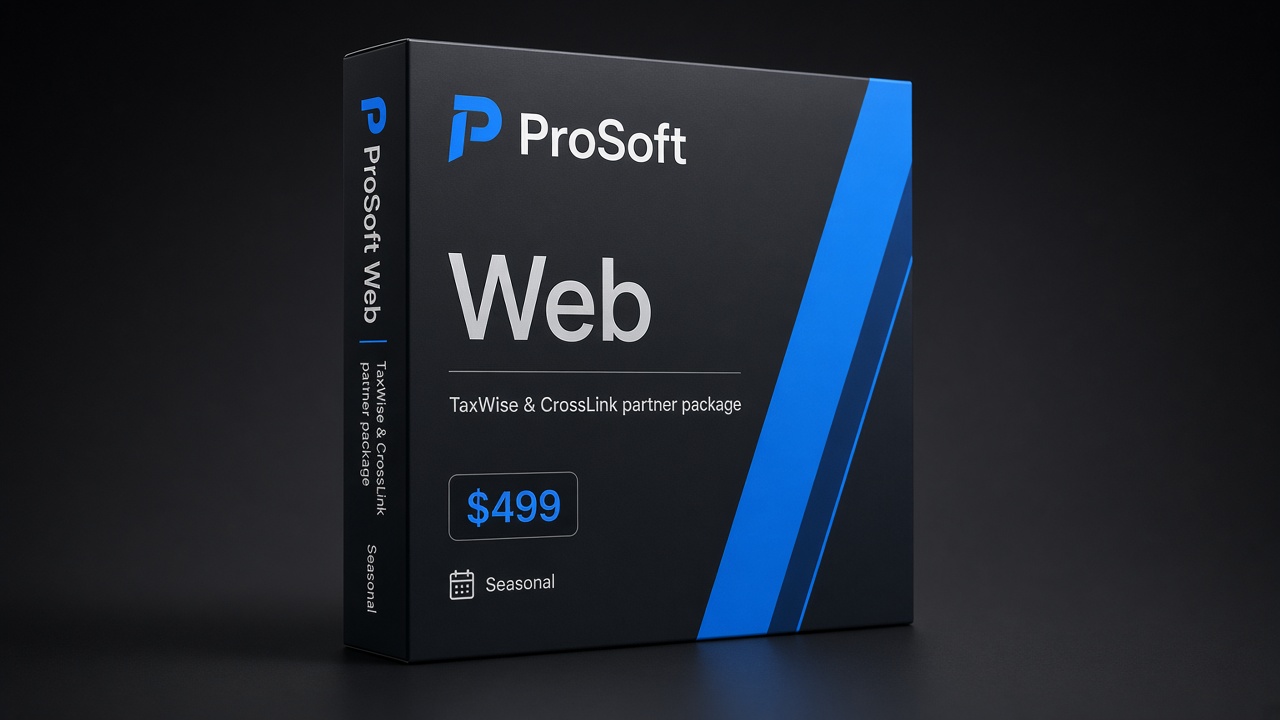
Web
$499
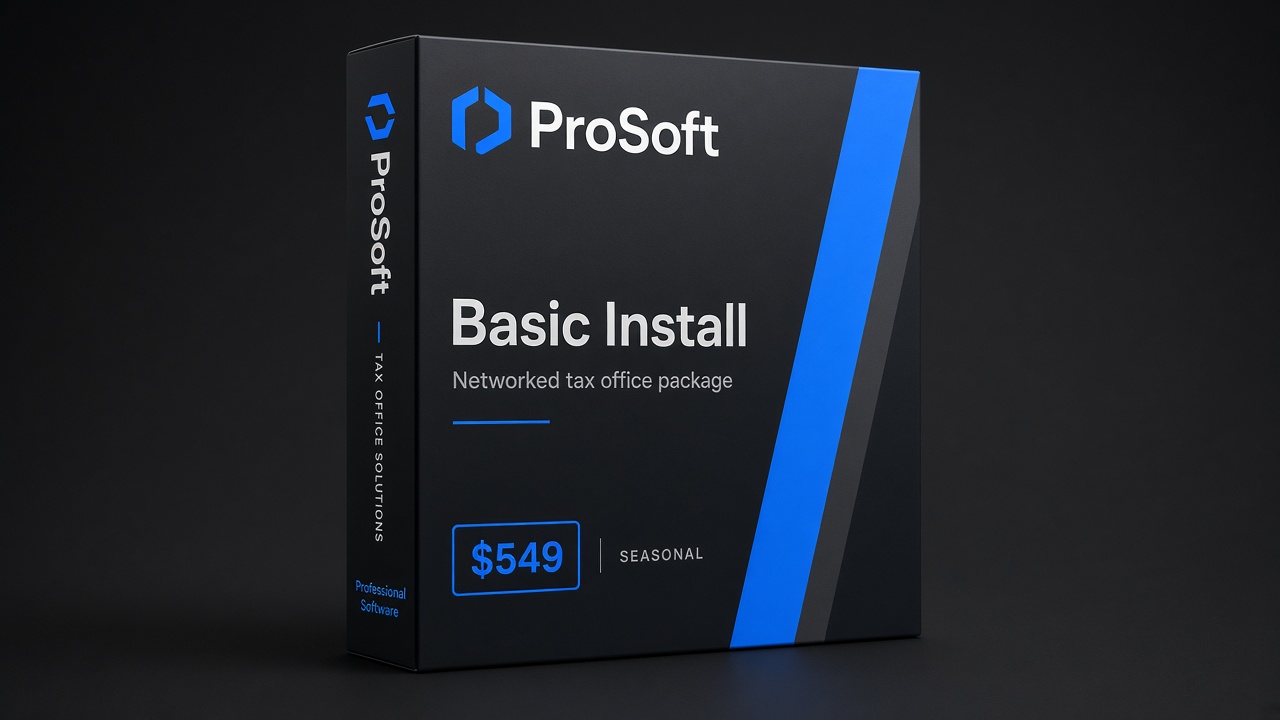
Basic Install
$549
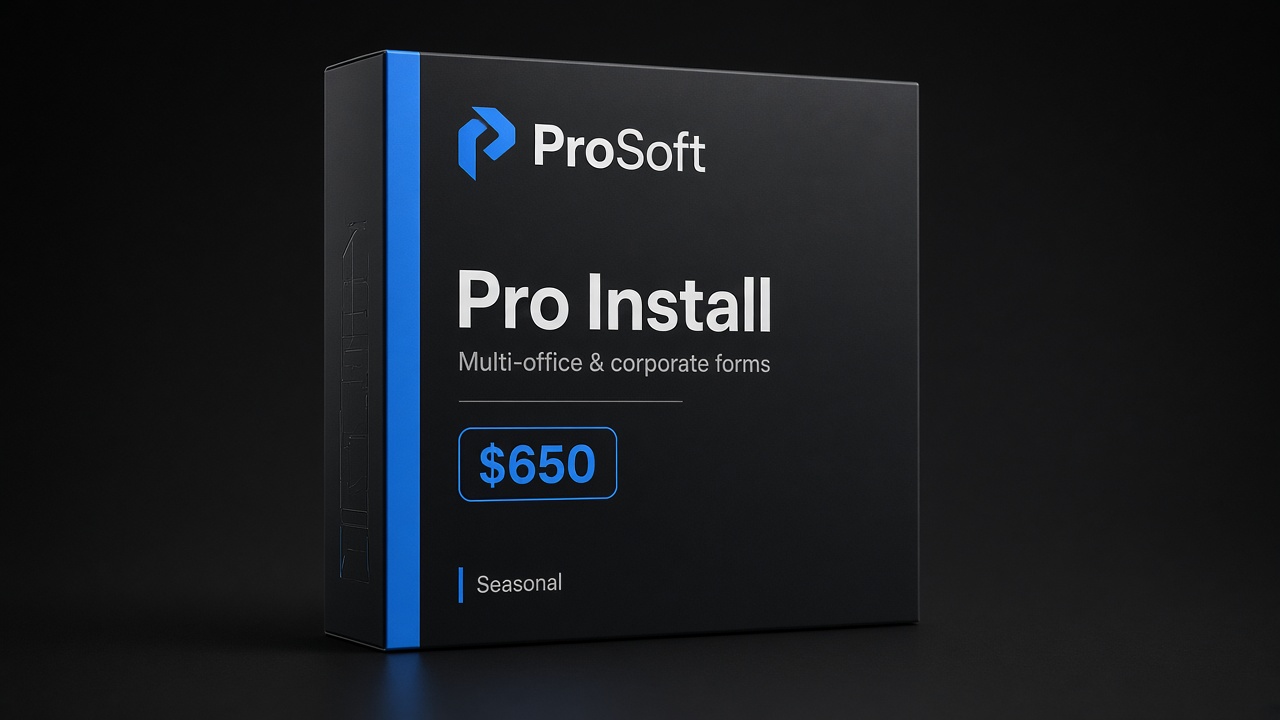
Pro Install
$650
How to use this page
Bookmark this URL for your software captain and front desk. Use official links for IRS account work. Use ProSoft owned guides when you need office-context education (what stalls launches, how software onboarding fits). Use Contact / demo when you are ready to map TaxWise® or CrossLink® packages, training, and support.
This page does not give legal or regulatory advice. IRS pages control requirements, timelines, and eligibility.
Subscribe to the IRS Newsletter
Official link: IRS GovDelivery subscriber signup
Why it matters for operators: Season notices, e-file program updates, and operational alerts often appear here before they become hallway rumor. Assign one person (office manager or software captain) to subscribe and forward relevant items into your internal checklist—do not rely on every preparer to “just know.”
Soft next step: After you subscribe, confirm your EFIN and PTIN chores are on the same seasonal calendar.
Latest IRS News
Official link: IRS newsroom — news releases for current month
Why it matters: Headlines can change intake scripts, staffing assumptions, and client FAQs overnight. Skim weekly in peak season; skim after major releases off-season. Pair newsroom reading with your professional software release notes from TaxWise® or CrossLink® so client-facing language stays consistent.
Soft next step: If a release affects e-file or preparer identification workflows, cross-check your owned EFIN / PTIN checklists and ask ProSoft support how it lands in your configured environment.
Where’s My Refund?
Official link: IRS Refunds
Why it matters: Clients will call. Keep the official tool handy, but train staff that Where’s My Refund? is not a substitute for your e-file acknowledgements, reject diagnostics, or partner bank-product status (when applicable). Separating those conversations prevents false promises about timing.
Soft next step: If fee workflows involve partner bank products later, read tax software bank products and bank product disclosures. Refund timing is not guaranteed. Demo interest is not bank enrollment.
Obtain an EFIN
Official link: IRS e-file provider services
Why it matters: An Electronic Filing Identification Number is foundational for offices that e-file. Starting late is a classic reason “we bought software” still cannot transmit in January.
Owned ProSoft guide (read this too): EFIN for tax preparers: office-ready checklist
We educate on high-level readiness and how onboarding fits after/alongside EFIN—not instead of IRS approval. We do not guarantee approval or absolute IRS timelines.
Obtain / Renew a PTIN
Official link: PTIN requirements for tax return preparers
Why it matters: Many paid preparers need a Preparer Tax Identification Number. Office tip: each preparer completes their own IRS obtain/renew steps and configures their own PTIN in professional software—no shared numbers.
Owned ProSoft guide: PTIN for professional preparers
See IRS for who must obtain a PTIN and current rules—this bookmark page does not decide exemptions.
IRS e-Services
Official link: IRS e-Services
Why it matters: e-Services is the IRS digital tools landing for enrolled professionals. Prefer this stable landing in public nav over brittle deep-login URLs that change. From here, authenticated users reach the tools the IRS currently exposes.
Operator tip: Keep e-Services access credentials under individual control (same philosophy as PTIN). Document who in your office has access for provider-maintenance tasks—without sharing passwords in a group chat.
Offices that need IRS e-Services tax preparer workflows usually need both the official landing and a human plan for software go-live—utilities alone do not configure TaxWise® or CrossLink®.
Contact ProSoft (human stack help)
Internal link: Contact ProSoft
Why it matters: IRS utilities answer government-side chores. They do not choose your package, train your staff, or sit with you on a reject at 9 p.m. ProSoft connects professional offices to TaxWise® and CrossLink®, runs white-glove onboarding, and provides year-round human support.
| Need | Go here |
|---|---|
| IRS account / enrollment | Official links above |
| EFIN office checklist | /resources/efin-tax-preparers/ |
| PTIN office checklist | /resources/ptin-tax-preparers/ |
| Open-office launch plan | /resources/open-tax-office/ |
| Packages $499 / $549 / $650 | /pricing/ |
| Full resources hub | /resources/ |
| Demo / onboarding talk | /contact/ · +1 (877) 268-6232 |
Package fit
Confirm current seasonal pricing on Pricing. ProSoft packages facilitate TaxWise® / CrossLink® access with onboarding—not a proprietary engine.
Web
$499
Lean / browser-friendly individual focus with ProSoft onboarding as marketed for this tier.
Basic Install
$549
Networked / installed workflows with ProSoft setup help and role-based training.
Pro Install
$650
Broader business forms as marketed, with the same white-glove go-live discipline.
Package choice follows return mix and how your team works. Bring your mix to the demo so mapping stays honest.
From utilities to go-live
A healthy peak-season stack looks like:
- IRS utilities bookmarked (this page)
- EFIN / PTIN readiness in motion via official channels + owned guides
- Professional software via TaxWise® or CrossLink® with ProSoft onboarding
- Dry-runs before marketing blast
- Optional bank-ready path later—never confused with demo enrollment
Soft timeline: Many offices complete ProSoft onboarding quickly when EFIN, docs, and partner dependencies are clear; ~48 hours is typical when ready—not a guarantee.
Demo & onboarding
Bring EFIN status, preparer count, states, return mix, and whether partner bank products are a later priority.
- Request pricing & demo
- Phone: +1 (877) 268-6232
- Email: info@prosofttaxsoftware.com
- Packages: Pricing
- Hub: Tax office resources
NAP: PROSOFT TECH SOLUTIONS · 2501 Bristol Drive, Suite B1, West Palm Beach, FL 33409
TaxWise® and CrossLink® are trademarks of their respective owners. ProSoft Tech Solutions is an independent partner/provider of onboarding and related services—not a bank or lender and not an IRS affiliate. Not legal, tax, or regulatory advice. Soft claims only. Official links belong to the U.S. government / IRS.
PROSOFT TECH SOLUTIONS
2501 Bristol Drive, Suite B1
West Palm Beach, FL 33409
+1 (877) 268-6232 · info@prosofttaxsoftware.com
Privacy · Terms · Bank product disclosures
TaxWise® and CrossLink® are trademarks of their respective owners. ProSoft Tech Solutions is an independent partner/provider of onboarding and related services—not a bank or lender. Soft claims only—no absolute 48-hour guarantee.