
n
n
n

nn
If you plan to launch tax office business operations before peak season, the calendar—not the slogan—decides whether January feels like a practice or a fire drill. Peak weeks still compress into a short window. Offices that reverse-engineer from opening day usually finish EFIN hygiene, software onboarding, and training with buffer. Offices that “start when it feels urgent” often spend peak season finishing setup.
This is a commercial urgency post without scare tactics. ProSoft Tech Solutions helps professional offices access IRS-approved TaxWise® and CrossLink® platforms, complete white-glove onboarding, and plan a soft go-live. ProSoft is a partner/connector—not a proprietary tax-engine publisher, not a bank/lender, and not a guarantor that every office will be “January-ready” regardless of EFIN or partner timelines.
Book a demo before season via Contact or review Pricing. Pair this timeline with the open tax office checklist, EFIN for tax preparers, and the ProSoft Resources hub. Call +1 (877) 268-6232.
Table of contents
- Why peak timing matters when you launch tax office business
- Backward timeline to launch tax office business before peak
- EFIN and ops dependencies
- Software and onboarding window
- Bank-ready vs enrolled (clarify)
- Soft go-live language
- Package orientation before you launch tax office business
- CTA: book demo before season
Why peak timing matters when you launch tax office business
A plan to launch tax office business capacity before peak is really a plan to protect fee-earning hours. When setup spills into the first two weeks of volume, you pay twice: once in unfinished configuration, and again in client experience debt.
Peak timing matters because:
- Client demand is front-loaded. Many filers want appointments as soon as W-2s and forms arrive. An office still installing software cannot take those appointments cleanly.
- Rejects and acknowledgements do not wait for your training calendar. Staff need dry-runs before live volume—not a webinar on the Saturday after opening.
- Partner and IRS timelines are not your personal sprint board. EFIN processing, state modules, and (when used) bank-partner paperwork have external clocks.
- Marketing without operations is expensive. Advertising open hours while the stack is unfinished burns trust you will need all season.
None of that is a threat. It is a project-management fact: reverse the calendar from your target soft-open date and work backward.
Backward timeline to launch tax office business before peak
Use this as an orientation timeline for operators who want to launch tax office business capacity before peak. Soft language throughout—your dependencies change the exact weeks.
Now → early fall (foundations)
- Entity hygiene and credential clarity (who prepares under which credentials).
- EFIN application or verification against the correct entity.
- Shortlist TaxWise® vs CrossLink® via a partner path; draft a one-sentence return-mix brief (1040 vs business, states, users).
- Decide whether partner bank-product enablement is in scope this season (readiness planning only at this stage).
Mid-fall (commit and configure)
- Select a ProSoft package orientation ($499 / $549 / $650 as marketed) and confirm inclusions on the quote.
- Kick off onboarding: defaults, permissions, modules you need.
- Put role-based training on the calendar (front desk, preparer, reviewer, owner).
- Draft intake document list and fee conversation script.
- If bank products are in scope, start readiness paperwork early—interest is not enrollment.
Late fall (prove the path)
- Dry-run happy-path and reject-path returns.
- Name an internal software captain; post support numbers.
- Clean NAP / Google Business Profile basics if you are publicly listing the office.
- Soft-open plan: limited appointments before full volume.
Early January (protect the open)
- Soft open with controlled volume.
- Mid-week check-ins on rejects, state modules, and staffing.
- Rewrite the two scripts that fail in week one.
This backward map is how serious operators launch office capacity before peak without pretending every dependency is under their control.
Buffer days are a feature
Build explicit buffer between “training complete” and “first advertised open hour.” Buffer absorbs reject surprises, state-module gaps, and staff illness. Removing buffer to “open earlier” is how soft urgency becomes hard chaos. Pair the calendar with the open tax office checklist so buffer days have named tasks—not empty hope.
EFIN and ops dependencies
Electronic filing requires an Electronic Filing Identification Number (EFIN) and related enrollment steps. If you already have an EFIN, verify it is active and tied to the right entity. If you are new, start early—processing time is not something you control on the last Friday before January.
Prefer the owned EFIN for tax preparers guide first; official orientation: Become an Authorized e-File Provider (IRS). For the full open-office reading list, see Open a tax office.
Ops dependencies that sit beside EFIN
- Engagement letter / fee-disclosure posture (jurisdiction and advisor-specific—not legal advice here).
- Document collection workflow (portal, in-person, or hybrid).
- Quality review owner named before volume arrives.
- Staffing math for peak weeks (including who covers evenings when acknowledgements fail).
Skipping EFIN and ops hygiene is the fastest way to turn a promising pre-peak launch plan into a January apology tour.
Software and onboarding window
If you intend to launch tax office business capacity before peak, treat the calendar as the product. Reverse-engineer from your soft-open date: EFIN hygiene, TaxWise® or CrossLink® onboarding with ProSoft, role-based training, and buffer days before you advertise full hours. Soft urgency—not scare tactics.
Operators who launch tax office business cleanly usually separate “bank-ready” (docs gathered, interest expressed) from “enrolled” (partner-approved). ProSoft enables partner bank products where available; ProSoft is not the bank, and readiness planning is not approval. Interest is not enrollment.
A practical checklist to launch tax office business without inventing guarantees: (1) confirm EFIN entity match, (2) pick package orientation ($499 / $549 / $650), (3) finish dry-runs, (4) post support numbers, (5) soft-open with controlled volume. Soft timelines only—external IRS and partner clocks are not your personal sprint board.
When partners ask how you will launch tax office business this season, answer with the stack (IRS-approved TaxWise® / CrossLink® via ProSoft partner path), the training calendar, and the go-live buffer—not income promises. Reading list: /resources/open-tax-office/, /resources/efin-tax-preparers/, and /resources/. Book a demo via /contact/ or +1 (877) 268-6232.
Write the date you hope to launch tax office business capacity, then walk backward one task at a time. To launch tax office business with fewer surprises, keep EFIN questions, software training, and support contacts on the same page. You can launch tax office business in a limited way: fewer appointments at first, a named reviewer, and a partner path for TaxWise® or CrossLink®. Do not launch tax office business on a slogan about being the busiest office in town.
You need professional preparation and e-file software—not a consumer DIY product. ProSoft Tech Solutions connects firms with TaxWise® and CrossLink® partner platforms and helps with onboarding, training, and configuration. ProSoft does not publish its own proprietary tax engine; calculation and e-file engines live on those partner platforms. When materials say “IRS-approved,” that attaches to TaxWise® and CrossLink®.
What the onboarding window should include
- Discovery → package/platform mapping
- Configuration of defaults and permissions
- Role-based training
- Dry-runs before marketing open hours
- Year-round support expectations in writing
Soft timeline language: many offices complete ProSoft onboarding quickly when EFIN status, bank applications (if used), and team responsiveness line up. That is a soft operational observation—not an absolute 48-hour guarantee, and not a promise of January readiness regardless of partner or IRS timelines.
Bank-ready vs enrolled (clarify)
Marketing language sometimes blurs “bank-ready” and “enrolled.” Keep them separate when you launch before peak:
| Term | What it should mean here |
|---|---|
| Bank-ready | Your office has planned readiness: docs gathered, discovery questions answered, interest expressed, known next steps—not approved, not enrolled, not offering products yet. |
| Enrolled / approved | Partner bank/processor has approved the office (and clients remain subject to eligibility). Separate from ProSoft package purchase. |
ProSoft can help facilitate partner bank-product enablement as part of package conversations. Products are offered by partner banks and processors—not by ProSoft. Eligibility, partner approval, and client-facing disclosures still apply. Fees (preparation and/or bank/product fees) may reduce a client’s refund. Interest via a demo form is not bank enrollment.
This post stays high level on bank products. Depth and disclosures live on tax software bank products. Do not treat bank products as guaranteed fee collection.
Soft go-live language
A soft go-live is deliberate constraint:
- Limit appointments before peak volume.
- Run the stack with real (but bounded) work so rejects surface early.
- Keep the software captain and ProSoft support numbers visible.
- Expand hours only after the first reject cycles look boring.
Soft go-live is not a failure to open. It is how operators open with control without betting the entire season on day-one perfection. There is no absolute “we guarantee your go-live date” claim in this draft—dependencies still rule.
Soft-open metrics (keep them simple)
Track three things in week one: (1) returns completed end-to-end, (2) rejects cleared same day vs carried, (3) support contacts that blocked an appointment. If rejects and blocked appointments dominate, extend soft open—do not expand marketing. Metrics keep the launch honest when adrenaline says “we’re fine.”
Package orientation before you launch tax office business
Public seasonal marketing bands for ProSoft packages:
| Package orientation | Typical marketed price | Who it often fits |
|---|---|---|
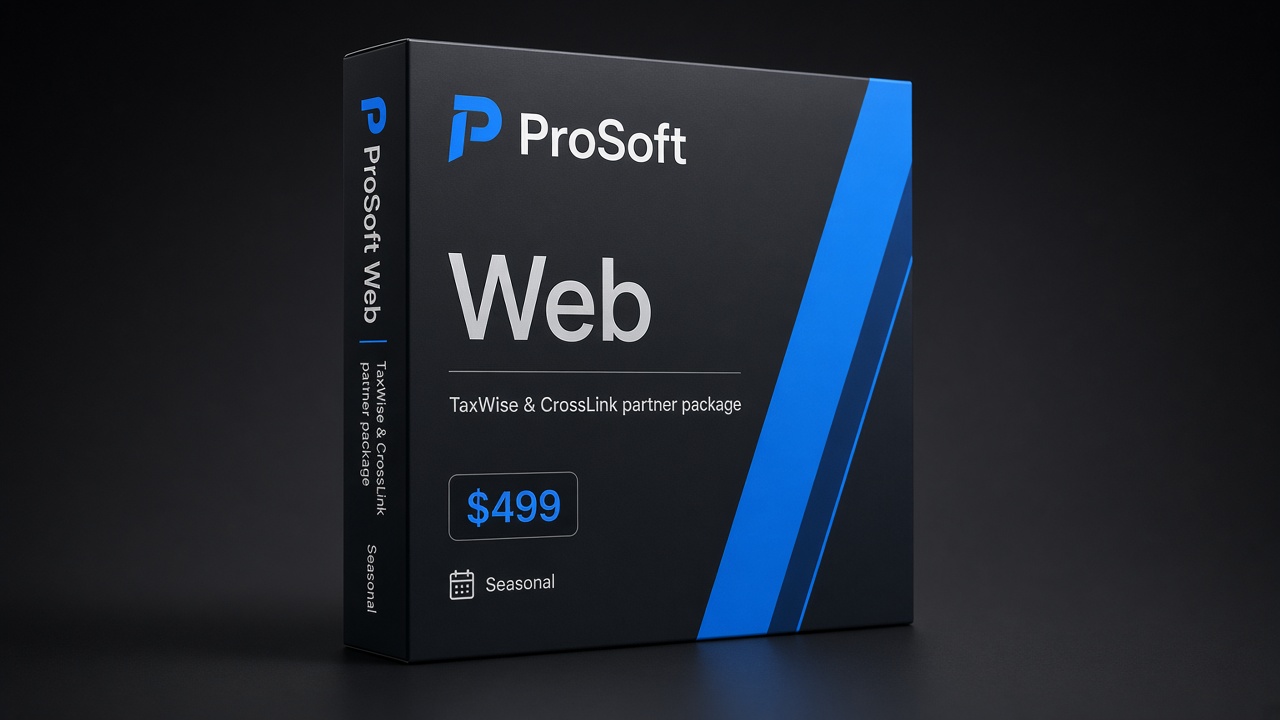
| Web Package | $499 | Lean / browser-friendly individual focus as marketed |
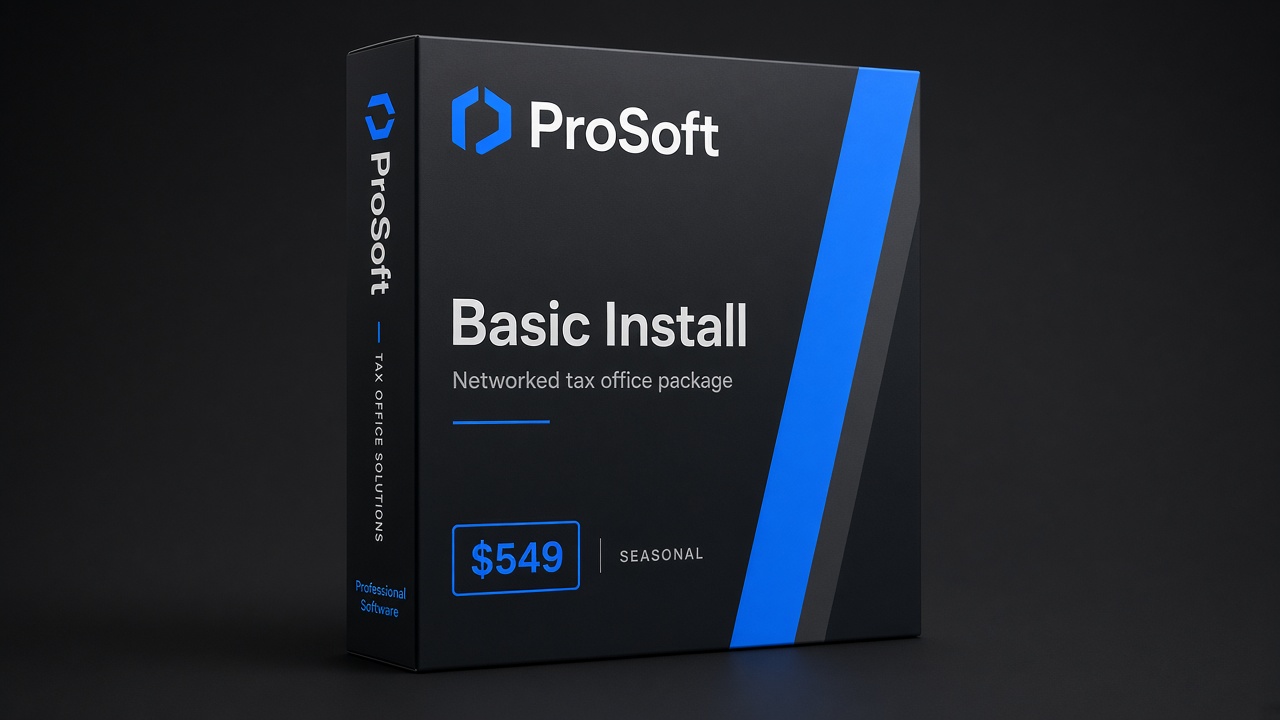
| Basic Install Package | $549 | Networked / installed workflows as marketed |
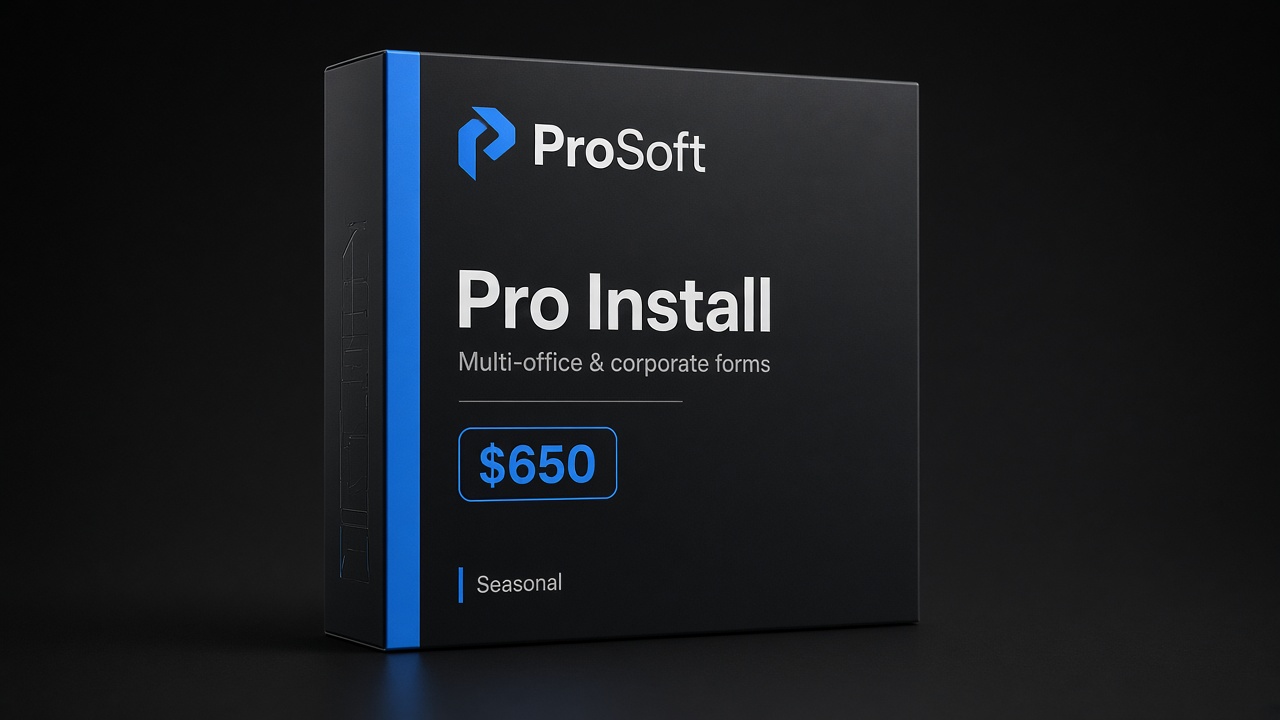
| Pro Install Package | $650 | Broader business/corporate forms coverage as marketed |
These are ProSoft tiers (access facilitation + onboarding/support)—not engine ownership. Confirm inclusions on your quote via Pricing.
CTA: book demo before season
Bring your target soft-open date, return-mix brief, user count, states, EFIN status, and whether bank-product readiness is in scope. A useful demo maps those inputs to a package, a training calendar, and a go-live window that respects dependencies you do not fully control.
- Primary CTA: Book demo before season → Contact
- Pricing: prosofttaxsoftware.com/pricing
- Phone: +1 (877) 268-6232
- Email: info@prosofttaxsoftware.com
- NAP: PROSOFT TECH SOLUTIONS · 2501 Bristol Drive, Suite B1, West Palm Beach, FL 33409
- Open-office checklist: Open a tax office · EFIN guide · Resources hub
- Related: Bank products · Privacy · Terms
To launch tax office business capacity before peak, reverse the calendar, clear EFIN and ops dependencies, complete TaxWise® or CrossLink® onboarding with ProSoft, train before you advertise, and treat “bank-ready” as readiness—not enrollment. That is commercial urgency done professionally.
TaxWise® and CrossLink® are trademarks of their respective owners. ProSoft Tech Solutions is an independent partner/provider of onboarding and related services—not a bank/lender and not the tax-engine publisher. Not legal, tax, or credit advice. Soft claims only.