
n
n
n

nn
When partners, co-founders, or investors ask you to introduce business opportunity options in tax prep, they are rarely asking for a get-rich pitch. They want a credible office model: professional software, onboarding that works before peak, support that answers in season, and economics they can read without a sealed envelope.
This guide shows how to introduce a business opportunity built on a professional tax prep stack for 2026—TaxWise® and CrossLink® via ProSoft Tech Solutions onboarding, packages marketed from $499, and year-round human support. ProSoft is an authorized partner/connector—not a proprietary engine publisher, not a franchisor, and not a bank/lender. Soft claims only: no income guarantees, no MLM recruiting tone, no “quit your job tomorrow.”
For stack education and checklists, start at the ProSoft Resources hub. For package framing, see Pricing. Request a demo via Contact or call +1 (877) 268-6232.
Table of contents
- What “introduce business opportunity” should mean
- Stack components when you introduce business opportunity options
- Who this introduction is for (and who it is not)
- What “stack education” looks like before the demo
- 2026 timing when you introduce business opportunity talks
- Talking to partners and investors (professional)
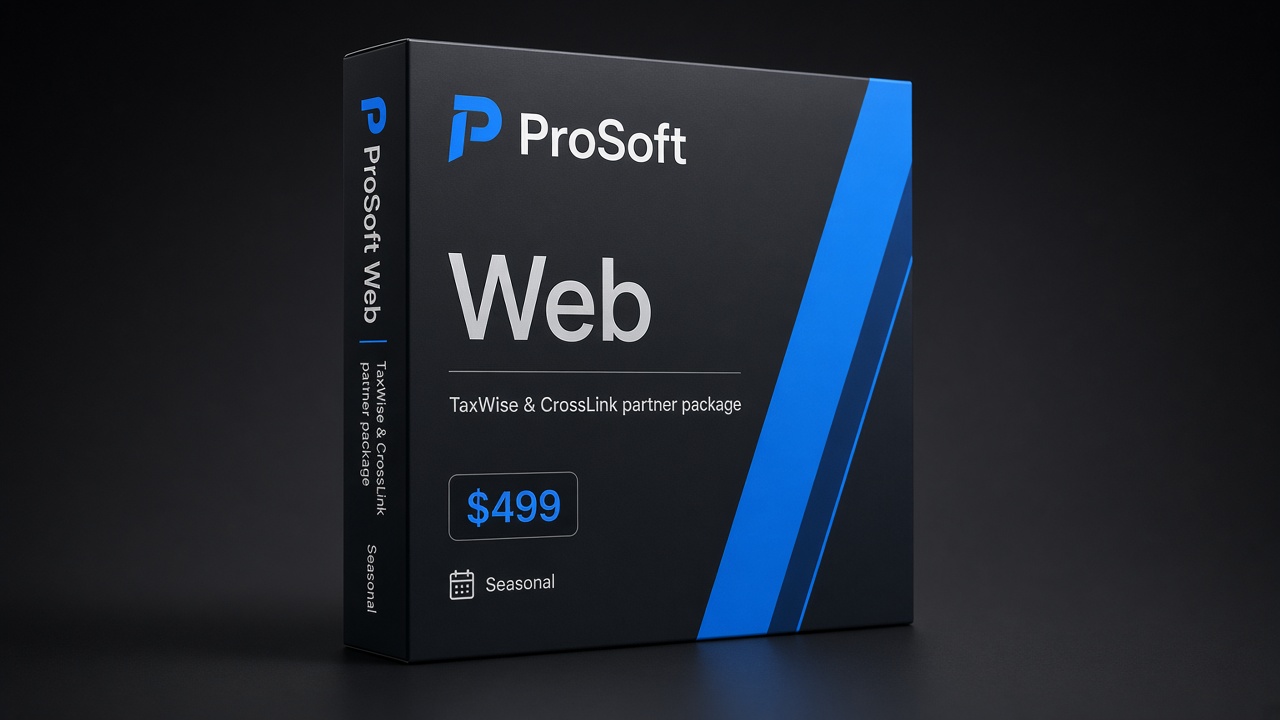
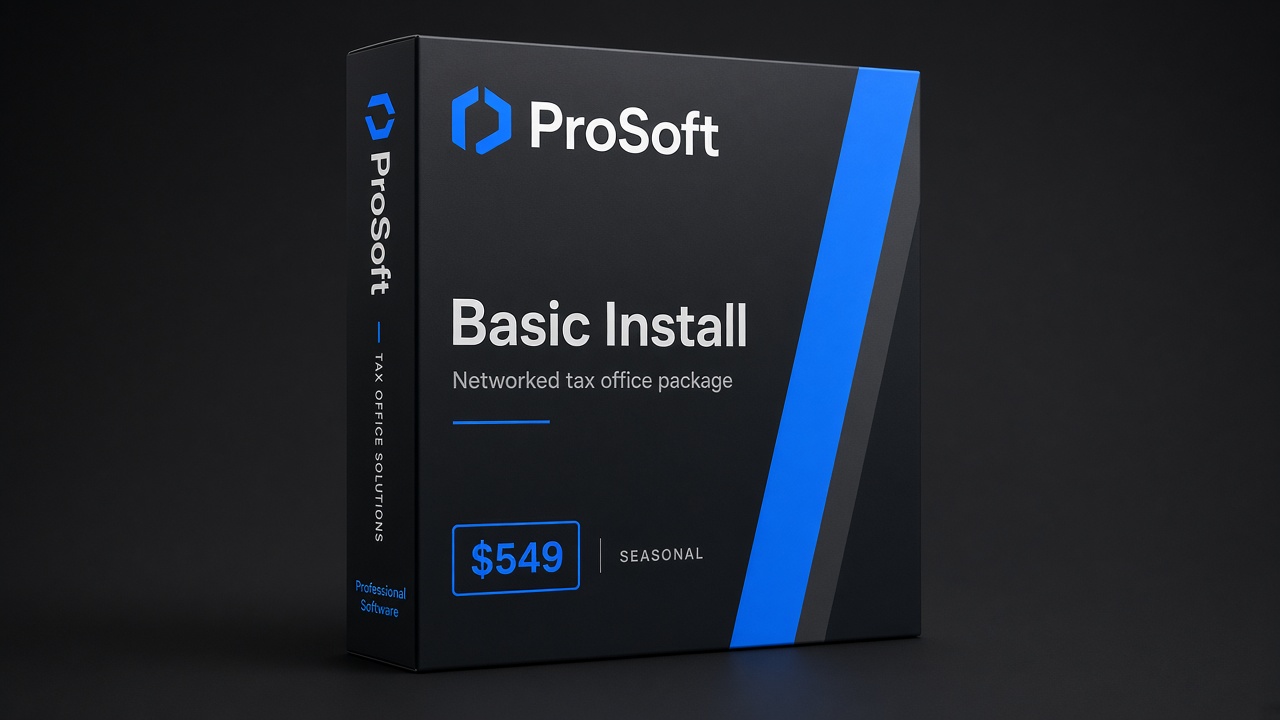
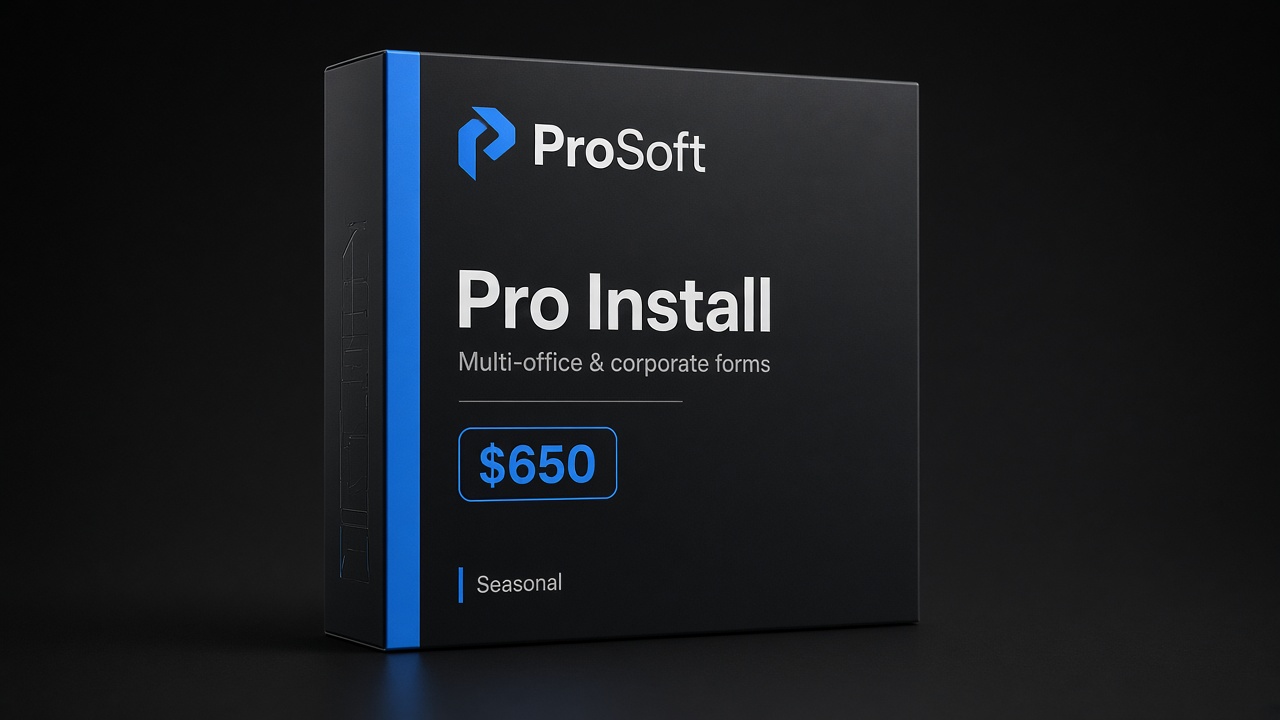
- Package orientation ($499 / $549 / $650)
- Red flags to avoid
- After the introduction: implementation sequence
- CTA: request demo
What “introduce business opportunity” should mean
When partners ask you to introduce business opportunity options in tax prep, lead with a professional stack—not a get-rich pitch. Credible introductions name software (TaxWise® / CrossLink® via ProSoft), onboarding before peak, year-round support, and package economics ($499 / $549 / $650 orientation) without income guarantees or MLM tone.
Use introduce business opportunity language that a co-founder can diligence: who owns EFIN hygiene, who trains staff, what soft go-live looks like, and what ProSoft does not do (publish the engine; act as the bank or lender). Soft claims only.
After you introduce business opportunity framing, sequence implementation: credentials, then package and platform mapping, then configure, train, and a limited open. Hub reading: /resources/, /resources/taxwise-crosslink-partner/, and /pricing/. Request a demo via /contact/ or +1 (877) 268-6232.
After you introduce business opportunity options, leave with named owners, a package range, and a training window. If you introduce business opportunity talk without those three, it is still a pitch, not a plan.
In B2B tax-office language, to introduce business opportunity means to present a legitimate path to operate (or co-own) a professional preparation practice—not a passive-income scheme.
A credible introduction includes:
- Who prepares under which credentials, and who owns quality review
- How returns are prepared and e-filed on an IRS-oriented professional platform
- How the office gets productive before peak (onboarding + training)
- What seasonal software/onboarding costs look like at a package level
- What is optional (for example, partner bank-product enablement) versus required
What it should not include: guaranteed returns, recruiting pyramids, consumer DIY framing, or claims that ProSoft “is” TaxWise® or CrossLink®. When materials say “IRS-approved,” that attaches to those platforms.
If you need a reading list before the partner meeting, point stakeholders to the tax office resources hub and the TaxWise® & CrossLink® partner path guide when live.
Stack components when you introduce business opportunity options
A professional 2026 stack, as ProSoft frames it, has three working parts:
1. Software (TaxWise® or CrossLink®)
Calculation and e-file run on partner platforms. ProSoft facilitates access as an authorized connector. Offices choose fit based on return mix, networking needs, and staff familiarity—not on invented bake-offs. Deeper partner-path education: Resources → Partner.
2. Onboarding and training
White-glove setup: discovery, configuration, role-based training, dry-runs. Soft timeline language: many offices move through onboarding quickly when EFIN and partner dependencies are clear—not an absolute 48-hour guarantee.
3. Year-round support
Peak season creates night-and-weekend questions. Ask who answers, during which hours, and what “onboarding complete” means in writing.
Optional fourth: bank-product enablement (light)
Some offices want partner bank products as part of fee workflows. ProSoft can help facilitate enablement where appropriate. Products are offered by partner banks/processors; approval and eligibility apply; interest ≠ enrollment. Keep introductions high level—depth on tax software bank products.
Electronic filing still requires an EFIN path. Prefer the owned guide EFIN for tax preparers and, when needed, the official IRS e-File Provider process.
Who this introduction is for (and who it is not)
A professional introduce business opportunity conversation fits:
- Aspiring office owners evaluating a first serious season with partners or co-founders
- Solo preparers ready to formalize intake, e-file, and fee workflows under their own brand
- Small firms refreshing a stack and wanting partner-led TaxWise®/CrossLink® onboarding
- EA and CPA practices adding seasonal capacity without franchise governance
- Investors or silent partners who need stack clarity before writing a check
It does not fit:
- Consumer DIY filers shopping a free online return
- Anyone expecting guaranteed income, passive returns, or MLM-style recruiting math
- Buyers who need a national franchise logo on day one more than brand ownership
Keep the audience filter explicit in the room. Misaligned attendees turn a stack walkthrough into a hype debate—and that wastes the calendar you need for training.
What “stack education” looks like before the demo
Before you ask ProSoft for a demo, give partners a short pre-read from the ProSoft Resources hub:
- Partner path — how TaxWise® and CrossLink® access works through a connector (partner guide).
- Open-office basics — ops posture and seasonal readiness (open tax office).
- EFIN orientation — owned guide first (EFIN for tax preparers), IRS official second.
- Pricing orientation — package bands as stickers, not full P&L (Pricing).
That pre-read lets the demo stay commercial and specific: return mix, users, states, training dates—not “what is e-file?” from scratch. When you introduce business opportunity language with homework attached, serious partners show up prepared.
2026 timing when you introduce business opportunity talks
Seasonal context matters when you introduce a business opportunity for the coming peak:
- Now–early fall: Align partners on entity, credentials, EFIN status, and return-mix assumptions.
- Mid-fall: Package selection, onboarding kickoff, training calendar.
- Late fall: Dry-runs; soft-open plan; NAP cleanup if public-facing.
- Early January: Controlled volume before full peak.
Waiting until December to introduce the stack to a skeptical co-founder is how offices lose training runway. Use 2026 timing as project management—not as scare copy.
A sample partner agenda (30–40 minutes)
- Opportunity definition (5 min) — owned practice + partner stack; not franchise, not DIY.
- Stack walkthrough (10 min) — TaxWise®/CrossLink® via ProSoft; “IRS-approved” attaches to platforms.
- Cost orientation (5 min) — packages $499 / $549 / $650 as ProSoft access+onboarding; list wages/rent/marketing as separate.
- Dependencies (5 min) — EFIN, training calendar, optional bank readiness (readiness ≠ enrollment).
- Decision / next step (5–10 min) — demo request, quote inclusions in writing, soft go-live window.
That agenda is how you introduce a business opportunity without drifting into income theater.
Talking to partners and investors (professional)
When you introduce business opportunity language to capital or operating partners, keep the meeting professional:
| Say | Avoid |
|---|---|
| Owned practice + partner stack | “Guaranteed season income” |
| Package stickers as orientation ($499–$650) | Pretending sticker = entire P&L |
| ProSoft = connector + onboarding | “ProSoft builds the tax engine” |
| Soft onboarding timelines with dependencies | Absolute go-live promises |
| Optional bank enablement with disclosures | Guaranteed fee collection |
Bring a one-page brief: return mix, users, states, EFIN status, and whether bank readiness is in scope. Then map that brief to a demo—not to a hype deck.
Package orientation ($499 / $549 / $650)
| Package orientation | Typical marketed price | Who it often fits |
|---|---|---|
| Web Package | $499 | Lean / browser-friendly individual focus as marketed |
| Basic Install Package | $549 | Networked / installed workflows as marketed |
| Pro Install Package | $650 | Broader business/corporate forms coverage as marketed |
These are ProSoft tiers (access facilitation + onboarding/support)—confirm inclusions on Pricing. They are not franchise fees and not income projections.
Red flags to avoid
When someone else tries to introduce business opportunity language around tax prep, walk away from:
- Passive-income or MLM framing disconnected from preparation work
- Income guarantees or “average office earns…” inventions
- Proprietary-engine confusion — claiming a connector owns TaxWise®/CrossLink®
- Absolute 48-hour / January-ready promises regardless of EFIN or partners
- Skipping training — licenses without dry-runs
- Bank products as guaranteed fee collection
A clean introduction is boring on purpose: stack, onboarding, support, readable cost, professional standards.
After the introduction: implementation sequence
Once partners agree the opportunity is real, sequence matters more than slogans:
Phase A — Align
Confirm entity hygiene, credential display, and EFIN status. Write the return-mix sentence. Decide whether partner bank-product enablement is in scope this season (light planning only).
Phase B — Quote and map
Complete ProSoft discovery. Map mix to Web / Basic / Pro orientation and TaxWise® vs CrossLink® fit. Get inclusions in writing—do not assume marketed stickers cover every state module or seat.
Phase C — Train and prove
Configure, train every role, dry-run happy-path and reject-path returns. Name a software captain. Soft-open with limited appointments before peak volume.
Soft claims only throughout: many offices move quickly when dependencies clear; there is no absolute 48-hour or guaranteed-income promise in this draft. The introduction succeeds when Phase A–C are scheduled—not when the slide deck gets applause.
CTA: request demo
Bring partners who need to see the stack. Ask ProSoft to map return mix to TaxWise® or CrossLink®, a package tier, and a training plan for 2026 peak.
- Primary CTA: Request demo → Contact
- Pricing: prosofttaxsoftware.com/pricing
- Resources hub: ProSoft Resources · Partner path
- Phone: +1 (877) 268-6232
- Email: info@prosofttaxsoftware.com
- NAP: PROSOFT TECH SOLUTIONS · 2501 Bristol Drive, Suite B1, West Palm Beach, FL 33409
- Policies: Privacy · Terms
To introduce business opportunity for a tax office in 2026 is to present office entrepreneurship with a real stack—TaxWise® or CrossLink® via ProSoft onboarding—not a pitch that collapses under the first reject of January.
TaxWise® and CrossLink® are trademarks of their respective owners. ProSoft Tech Solutions is an independent partner/provider of onboarding and related services—not a franchisor, not a bank/lender, and not the tax-engine publisher. Not legal, tax, or credit advice. Soft claims only.