
A tax office client intake opportunity is one of the highest-leverage ops upgrades most small offices still treat as improvisation. Messy intake delays preparation, muddies fee conversations, and turns peak weeks into scavenger hunts for missing W-2s. Designed intake—documents, roles, and fee language before the appointment—usually produces faster starts and clearer economics without promising collection miracles.

This is a B2B office-workflow post for tax preparers, EAs, and small firm operators—not consumer DIY tax tips. ProSoft Tech Solutions helps offices run professional TaxWise® and CrossLink® stacks with white-glove onboarding and year-round support. A demo can walk your intake → prepare → review → deliver flow. Soft claims only: better intake design supports clearer fee conversations; it does not guarantee fee collection, conversion rates, or refund outcomes.
Book a workflow walkthrough via Contact or review Pricing. For stack and readiness reading, see the ProSoft Resources hub, EFIN for tax preparers, and Open a tax office. Official IRS orientation (secondary): Become an Authorized e-File Provider. Call +1 (877) 268-6232. Related when live: Fee collection opportunity / refund transfers (counsel-aware bank depth lives there—not here).
Table of contents
- Designing a tax office client intake opportunity
- Faster starts: docs, roles, and handoffs
- Fee conversation basics
- Where software and support help
- What not to improvise in peak week
- Light note on bank products (optional)
- Package orientation
- CTA: demo workflow walkthrough
Designing a tax office client intake opportunity
Treat intake as product design for your office—not as “whatever the front desk remembers.” A deliberate tax office client intake opportunity usually improves three outcomes operators actually feel:
- Cycle time — appointments start with documents present, not with a promise to “email later.”
- Review quality — incomplete files never reach the reviewer dressed up as “almost done.”
- Fee clarity — clients hear pricing posture early, before delivery-day surprise.
None of that requires invented conversion statistics. Soft observation: offices that script intake and fee language waste fewer peak hours than offices that reinvent both under pressure. That is ops discipline—not a guarantee that every client accepts every fee.
Intake also protects marketing. Advertising open hours while the document list is undefined burns trust you will need all season. Pair intake design with EFIN and stack readiness when you are still launching—see EFIN for tax preparers and Open a tax office if those gates are still open.
Faster starts: docs, roles, and handoffs
Document list (name it)
- Prior-year return (if available)
- Identity / dependent documentation your office requires
- Income forms you commonly see for your mix (W-2, 1099 variants, etc.)
- Organizer or questionnaire completed before the slot when possible
- Anything state-specific your mix demands
Publish the list on your booking confirmation. Update it when your return mix changes—not when a client is already in the chair.
Roles
- Front desk / coordinator — completeness check, reschedule authority when files are empty
- Preparer — starts only on complete (or explicitly accepted incomplete) files
- Reviewer — never inherits scavenger-hunt returns without a flag
- Owner — owns fee-policy exceptions; staff should not invent discounts mid-chaos
Handoffs
Write the path: portal upload → completeness check → prepare → review → deliver / collect. Every arrow needs an owner. Faster starts come from removing “who has this?” from the critical path.
Hybrid offices (in-person + remote docs) need the same list twice: what must be physical vs what can be uploaded. Ambiguity here is how mobile or multi-desk teams lose files.
Completeness grades (keep them simple)
Many offices benefit from three grades only: Ready (prepare now), Conditional (prepare with named missing items and a deadline), Reschedule (too empty to start). Staff should not invent a fourth grade called “they’re nice so we’ll wing it.” Ready/Conditional/Reschedule turns a tax office client intake opportunity into a shared language across front desk and preparers—especially when the owner is on another call.
Fee conversation basics
Clear fee conversations are a script and a timing choice—not a personality trait.
Timing
- Early (preferred for many offices): fee posture at intake or booking so clients are not surprised at delivery
- At engagement: written engagement / fee disclosure posture appropriate to your jurisdiction and advisors (not legal advice here)
- At delivery: confirm what was prepared and what was charged—no silent add-ons
Content (soft, non-guaranteed)
- What the preparation fee covers (and what it does not)
- How rush / incomplete-file / amended work is priced
- How optional products (if any) are separate from preparation fees
- Who can approve exceptions
Soft claim only: clearer conversations reduce awkward delivery moments. They do not guarantee collection, higher realization, or that every client says yes. Do not publish invented acceptance rates.
Staff tip: one written script beats three charismatic improvisations. Train the script in December; rewrite the two lines that fail in week one of January.
Where software and support help
Intake design is mostly process. Software and partner support still matter:
- Professional stack — TaxWise® or CrossLink® via ProSoft so preparation and e-file sit on IRS-approved partner platforms (“IRS-approved” attaches to those platforms; ProSoft is the partner/connector, not the engine publisher).
- Defaults and permissions — so incomplete returns cannot silently skip review if that is your culture.
- Training — front desk and preparers practice the same status language clients hear.
- Year-round support — when peak-week workflow questions hit, you have a human path—not only a forum.
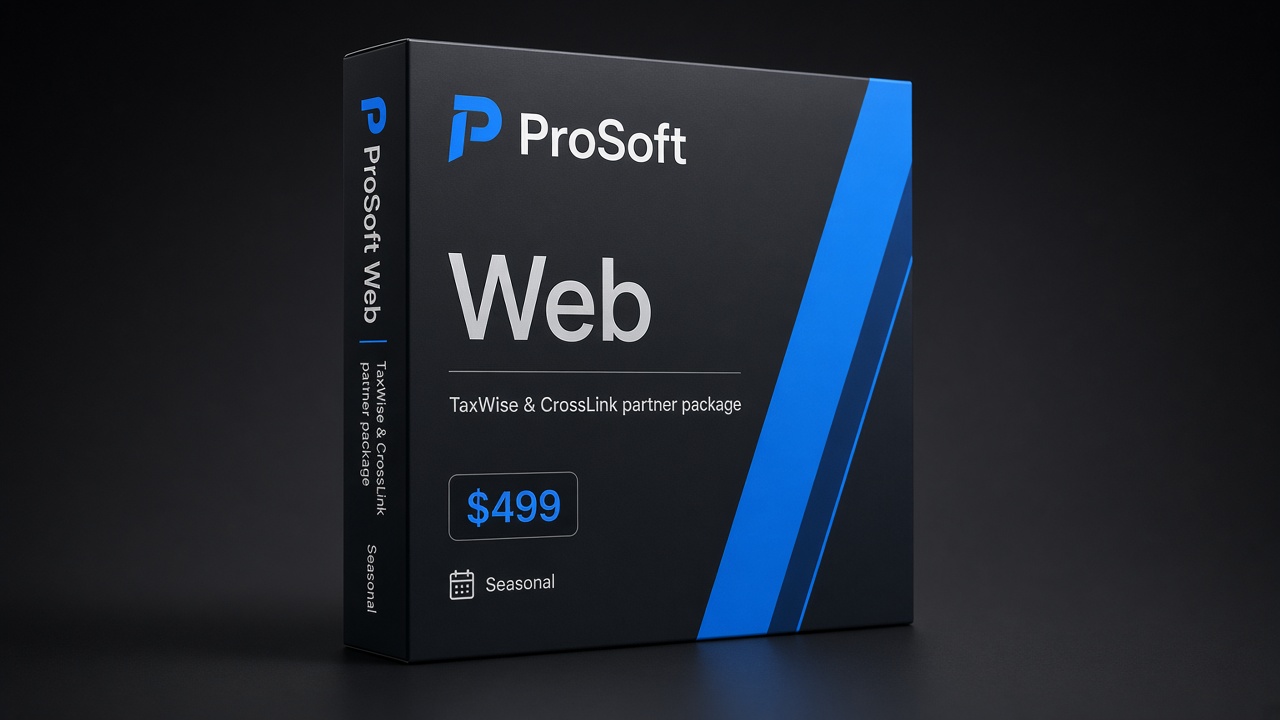
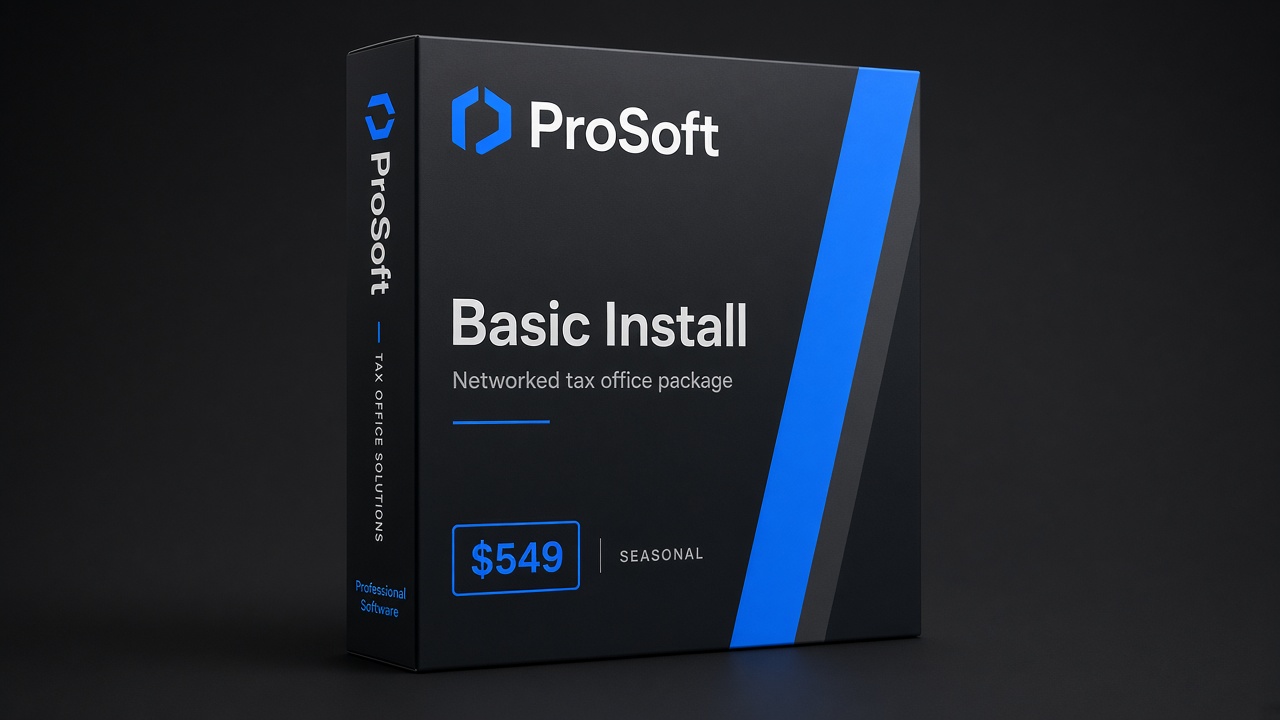
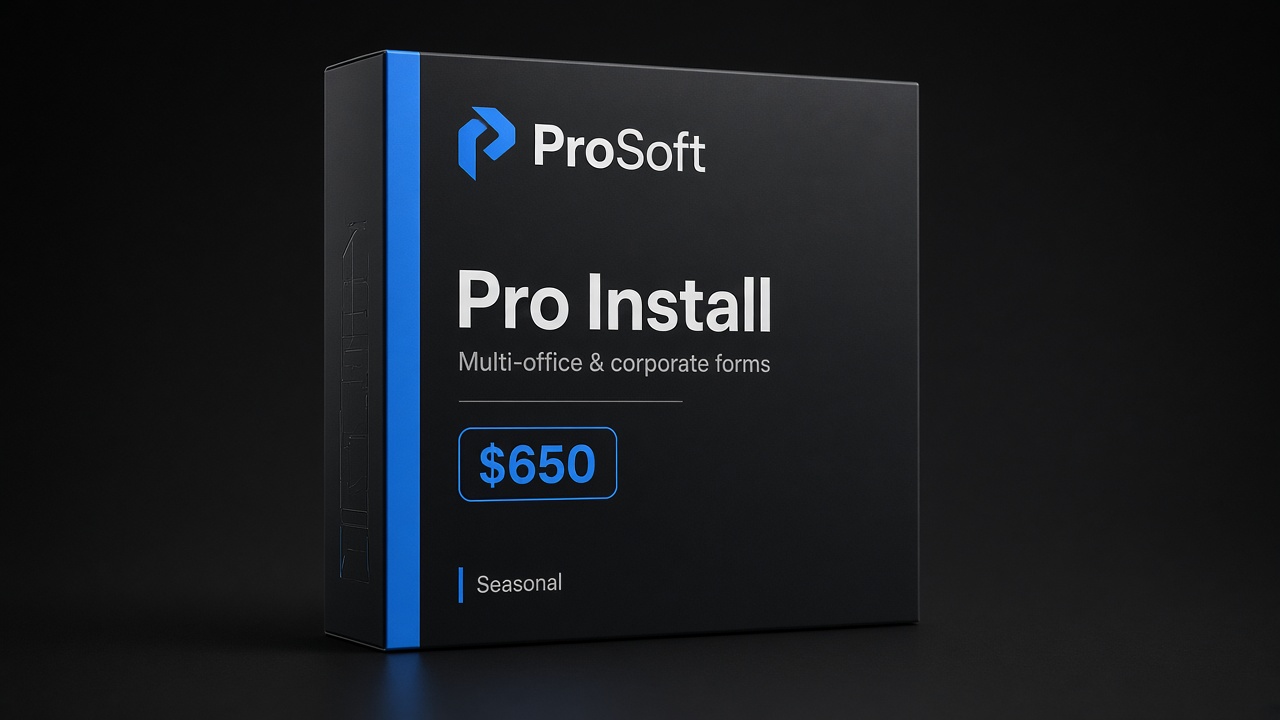
A ProSoft demo is useful as a workflow walkthrough: show your intake list, fee script timing, user roles, and return mix; map those to package/platform fit and training. Confirm package stickers on Pricing ($499 / $549 / $650 orientation).
Support helps consistency. It does not replace naming owners or writing the document list.
What not to improvise in peak week
- New fee exceptions without an owner
- Accepting empty files “because they’re already here” without a reschedule rule
- Different document lists per preparer
- Status language that contradicts what clients were told at booking
- Treating optional bank/product conversations as the same script as preparation fees (if those products are even in scope)
- Skipping review because “intake was fine”
Peak week rewards boring consistency. Improvisation feels fast and usually bills slower.
Week-one rewrite ritual
After the first seven days of volume, hold a 30-minute intake autopsy: which document was missing most, which fee line caused confusion, which handoff stalled. Rewrite only those two or three lines. Do not rebuild the entire binder mid-season. Continuous small edits keep the tax office client intake opportunity compounding; annual reinvention every January does not.
Light note on bank products (optional)
Some offices later enable partner bank products (for example refund-related products) as a separate track from intake design. Keep the lines clear:
- Preparation fees and bank/product fees are different conversations
- Products are offered by partner banks/processors—not by ProSoft
- Eligibility, partner approval, and client-facing disclosures still apply
- Fees (preparation and/or bank/product fees) may reduce a client’s refund
- Interest or a demo form is not bank enrollment
This post stays light on purpose. Depth, fit questions, and disclosures live on tax software bank products and, when live, counsel-aware posts such as #12. If Marketer expands RT content here later, use the Batch 2 footer disclosure pattern—not required for this light nod.
Optional Resources path: ProSoft Resources → Bank Products card when present.
Package orientation
| Package orientation | Typical marketed price | Who it often fits |
|---|---|---|
| Web Package | $499 | Lean / browser-friendly individual focus as marketed |
| Basic Install Package | $549 | Networked / installed workflows as marketed |
| Pro Install Package | $650 | Broader business/corporate forms coverage as marketed |
ProSoft tiers = platform access facilitation + onboarding/support—not engine ownership. Confirm inclusions on your quote via Pricing.
CTA: demo workflow walkthrough
Bring your current intake list (even if messy), fee script (even if verbal), user roles, return mix, states, and EFIN status. A useful demo maps those inputs to TaxWise® or CrossLink® via ProSoft, training for front desk and preparers, and a cleaner start-of-season workflow—without collection guarantees.
- Primary CTA: Demo workflow walkthrough → Contact
- Pricing: prosofttaxsoftware.com/pricing
- Phone: +1 (877) 268-6232
- Email: info@prosofttaxsoftware.com
- NAP: PROSOFT TECH SOLUTIONS · 2501 Bristol Drive, Suite B1, West Palm Beach, FL 33409
- Hub: ProSoft Resources · light bank products if relevant
- Related: Privacy · Terms
A tax office client intake opportunity is faster starts and clearer fee conversations through design—not through guaranteed collection claims. Script the list, name the roles, walk the workflow on a ProSoft demo, and keep peak week boring on purpose.
A tax office client intake opportunity shows up when fee conversations and document lists are scripted before the waiting room fills.
Soft reading for operators: treat the tax office client intake opportunity as an implementer decision—TaxWise®/CrossLink® access via ProSoft, white-glove onboarding, packages from 9, and year-round support expectations—without income guarantees or invented vendor theater.
Keep the tax office client intake opportunity conversation tied to demo fit, training calendars, and package orientation (9 / 9 / 0)—soft claims only.
When the tax office client intake opportunity is real, captains, dry-runs, and support paths are named before peak marketing—not hoped for mid-February.
ProSoft’s role in a tax office client intake opportunity is connector onboarding and support—not owning TaxWise®/CrossLink® engines and not underwriting bank products.
Call +1 (877) 268-6232 or use Contact when you want the tax office client intake opportunity mapped to users, states, and a go-live window that respects dependencies.
Operators comparing options should keep the tax office client intake opportunity tied to onboarding fit, package orientation, and year-round support—soft claims only.
A practical tax office client intake opportunity review covers users, states, EFIN path, and training calendars before peak marketing spend.
ProSoft helps offices pursue a tax office client intake opportunity through TaxWise®/CrossLink® access facilitation—not engine ownership and not bank underwriting.
Bring return mix and captain names when you map the tax office client intake opportunity on a Contact or Pricing call: +1 (877) 268-6232.
Write go-live criteria for the tax office client intake opportunity in plain language: dry-runs done, permissions set, support path posted.
Soft reminder: the tax office client intake opportunity is an ops and implementer decision, not an income promise or franchise pitch.
Owned Resources reading still applies when the tax office client intake opportunity needs EFIN, switch, or white-glove depth before demo.
TaxWise® and CrossLink® are trademarks of their respective owners. ProSoft Tech Solutions is an independent partner/provider of onboarding and related services—not a bank/lender and not the tax-engine publisher. Not legal, tax, or credit advice. Soft claims only. No fee-collection or conversion guarantees. Bank/product fees, when applicable, may reduce a client’s refund; products offered by partner banks/processors.