
An EA tax business opportunity starts with a credential you already earned—and a practice model you still have to design. Enrolled Agents who want to turn skills into a durable office need tools, training, and support that respect the profession—not get-rich scripts or guaranteed books of business.

This post is for EAs building or formalizing a tax practice. It is a companion to the broader preparer path—not a duplicate of credential how-tos. ProSoft Tech Solutions is an authorized TaxWise® and CrossLink® partner/connector: white-glove onboarding, training, and year-round support. ProSoft is not a regulatory advisor, not the engine publisher, and not a bank. Soft practice-building only; no income guarantees.
Talk EA onboarding via Contact or review Pricing. Before peak, read the open a tax office guide, PTIN for tax preparers, and the ProSoft Resources hub. Call +1 (877) 268-6232.
Table of contents
- From EA credential to practice
- Practice model choices for an EA tax business opportunity
- Tools you actually need
- Why partner support matters
- First season priorities
- CTA: talk EA onboarding
From EA credential to practice
Your EA credential signals representation rights and professional seriousness. It does not automatically create intake templates, e-file readiness, a trained second preparer, or a software stack that survives January.
An honest EA practice-building path framing separates:
- Credential / licensing hygiene — yours to maintain; ProSoft does not give regulatory advice
- Practice design — clients, niches, fee posture, review culture
- Stack and ops — professional tax software, onboarding, support, optional bank-enablement later
Companion depth on the broader path: Become a tax preparer / EA pro path and White-glove onboarding. For opening-ops reading, prefer owned open a tax office over reinventing checklists in a blog.
Practice model choices for an EA tax business opportunity
Before you shop platforms, write one sentence for year-one:
- Individual 1040-heavy vs mixed business returns
- Solo operator vs one preparer + reviewer
- Appointment-only vs walk-in peak posture
- Whether partner bank products are even on the shortlist this season
Those choices drive package and platform fit more than any slogan. Soft claims only: ProSoft will not promise a book of business, a “anyone can get rich” arc, or a guaranteed client pipeline. Practice-building is still your work.
Fit signals for an EA tax business opportunity
Strong signals: you want TaxWise® or CrossLink® with implementer-led setup; you will train before peak; you accept that EFIN/PTIN/e-Services readiness sits on the critical path.
Weak signals: you want income guarantees; you expect ProSoft to replace your professional judgment; you are shopping consumer DIY software for a personal return.
Tools you actually need
High-level stack for a professional EA practice (not a product laundry list):
- Professional tax preparation platform — TaxWise® or CrossLink® via an authorized partner path
- E-file readiness — EFIN path and related enrollment (IRS-controlled; see owned EFIN guide then IRS e-File Provider)
- PTIN hygiene — owned PTIN guide for orientation
- Onboarding and training — so the platform is not shelfware
- Year-round support — when rejects and state questions spike
- Optional partner bank-product enablement — only if fee workflows warrant; ProSoft is not the bank
“IRS-approved” attaches to the TaxWise® and CrossLink® platforms—not vaguely to ProSoft. Trademarks belong to their respective owners.
Public ProSoft package orientation (access facilitation + onboarding/support, not engine ownership):
| Package orientation | Typical marketed price | Who it often fits |
|---|---|---|
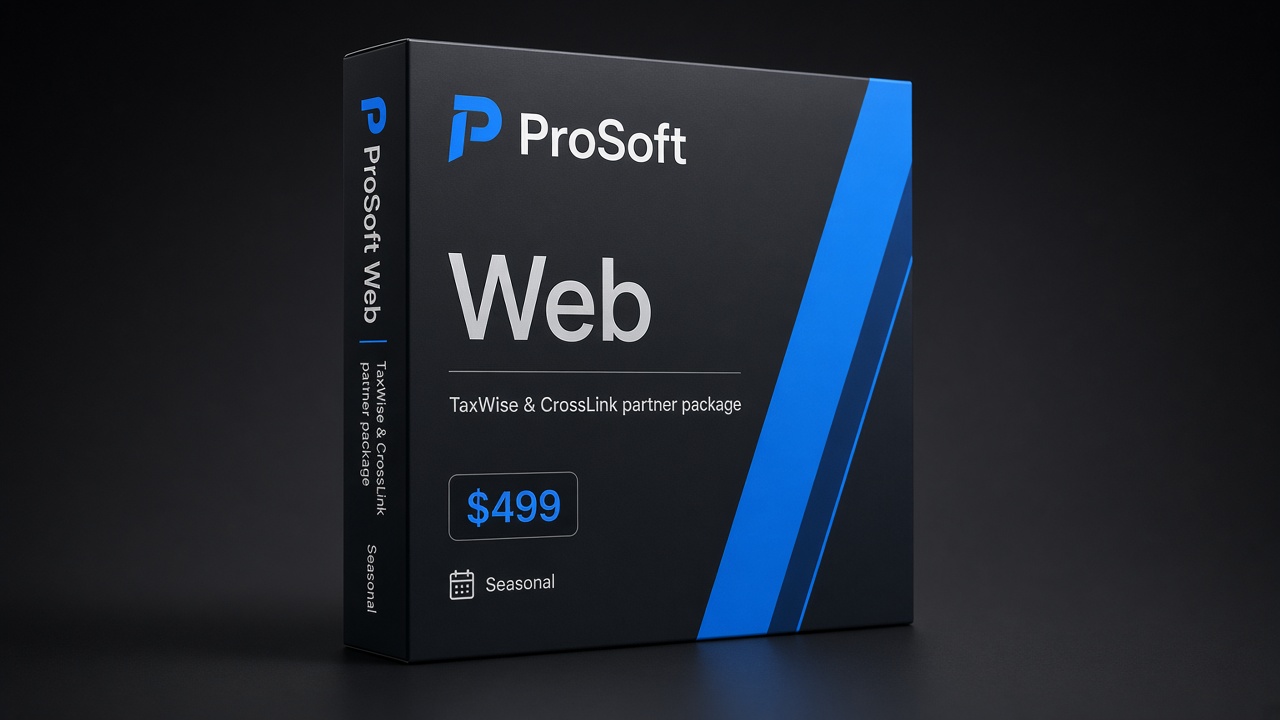
| Web Package | $499 | Lean / browser-friendly individual return focus as marketed |
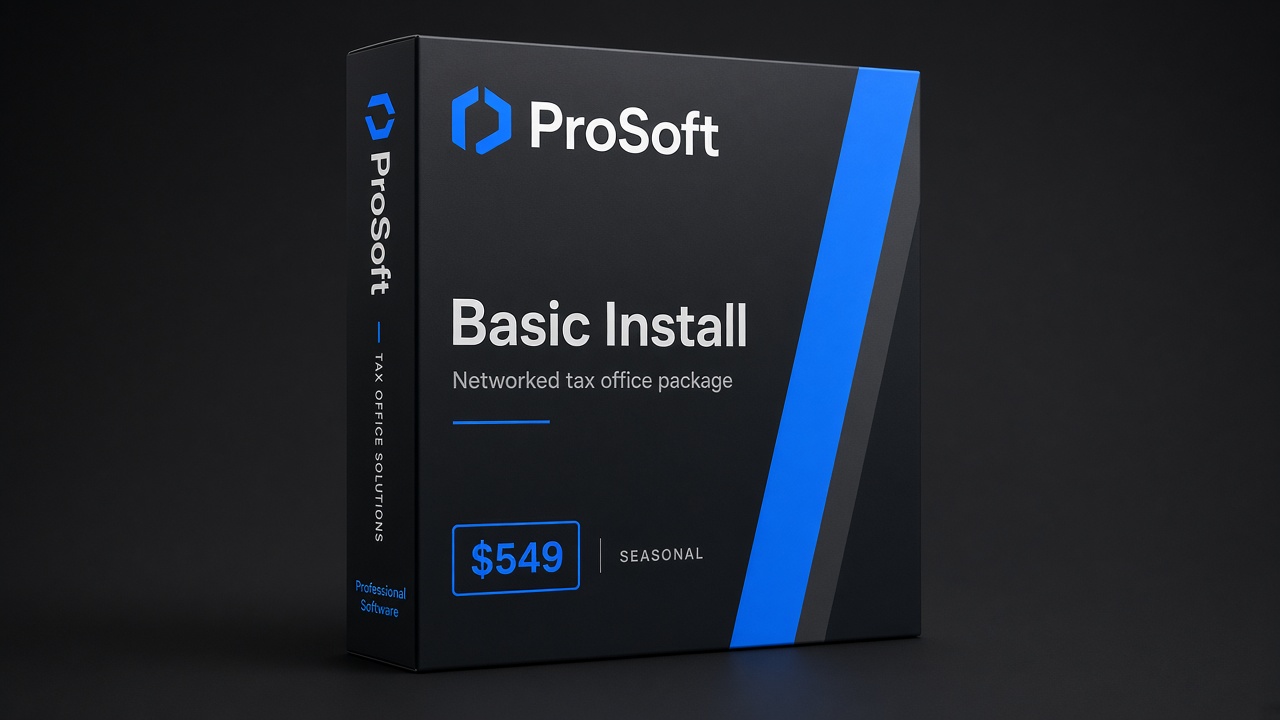
| Basic Install Package | $549 | Networked offices needing installed workflows as marketed |
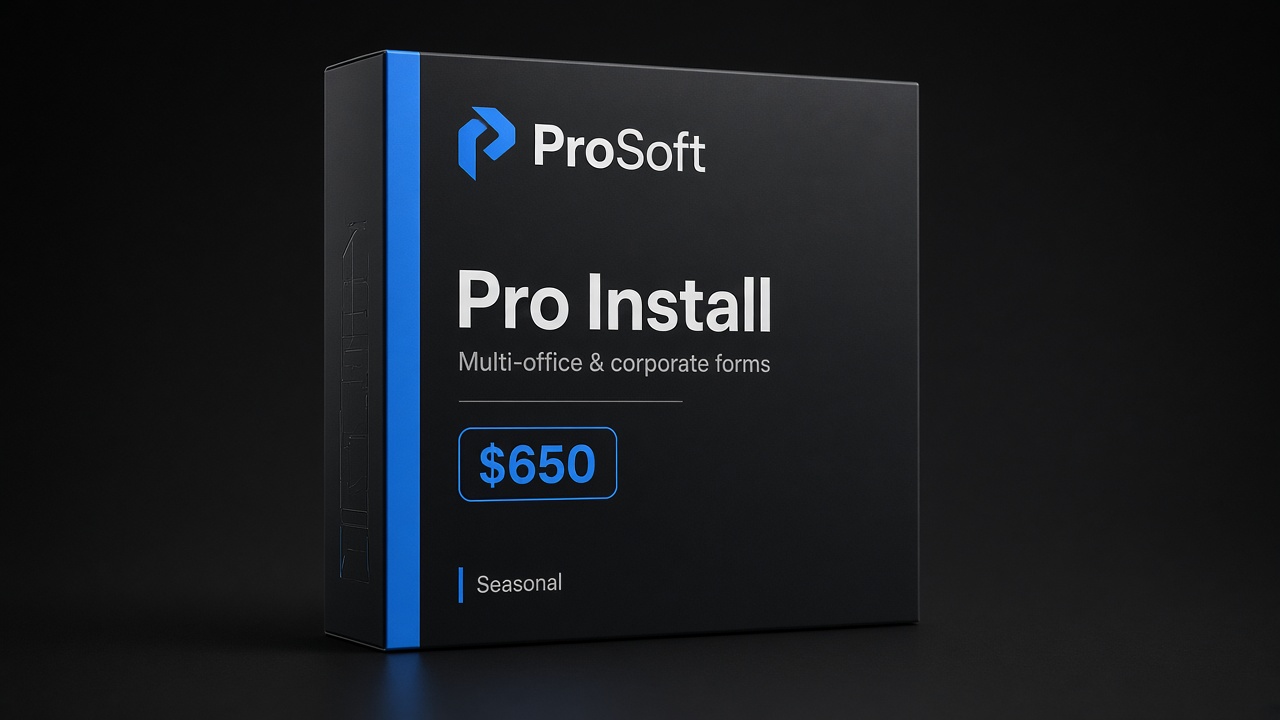
| Pro Install Package | $650 | Offices needing broader business/corporate forms coverage as marketed |
Exact inclusions and platform mapping are confirmed on your quote. See Pricing.
Why partner support matters
EAs who built technical skills the hard way sometimes underrate onboarding. Peak season is unforgiving: a misconfigured user, an untrained seasonal hire, or an unanswered acknowledgement question costs more than a clear training calendar.
ProSoft’s partner/connector role in an EA tax business opportunity typically includes:
- Access facilitation to TaxWise® and CrossLink®
- White-glove onboarding and role-based training
- Soft go-live planning that respects your dependencies
- Year-round human support
- Optional facilitation toward partner bank programs where appropriate (approval and disclosures still apply)
What ProSoft does not do: practice law or give regulatory counsel; guarantee clients; own TaxWise®/CrossLink® engines; underwrite refund transfers.
That is why the ProSoft Resources hub—and specifically open-office, PTIN, and EFIN pages—belongs in your pre-season reading alongside a demo call.
First season priorities
Treat season one as a project with a short critical path:
- Practice sentence — who you serve and what you will not take yet
- Credentials & e-file path — PTIN/EFIN hygiene without DIY legal advice
- Platform + package lean — TaxWise® vs CrossLink® mapped on consult
- Training dates — on the calendar before you advertise open hours
- Dry-runs — happy-path and reject-path before peak volume
- Support numbers posted — software captain named (even if it is you)
- Bank-enablement decision — in or out for season one; interest ≠ enrollment
Soft timeline language: many practices move through ProSoft onboarding quickly when dependencies are clear. That is an operational observation—not an absolute 48-hour promise.
First-season checklist
- [ ] Year-one return-mix sentence written
- [ ] PTIN / EFIN path status known (owned Resources before bare IRS when possible)
- [ ] Package/platform lean confirmed on quote
- [ ] Training and dry-run dates scheduled
- [ ] Support escalation path saved
- [ ] No income-guarantee expectations in the plan
Keep Privacy and Terms in mind for client intake design.
Fee posture without guarantees
Set fee conversations early: what is included in a base return, how you handle late documents, and how you talk about optional partner bank products if you offer them later. Soft language only—no guaranteed collection rates. If bank products enter the plan, partner approval and disclosures apply; ProSoft enables conversations where appropriate and is not the bank. Keep deep RT education on the bank products page.
Solo-to-small-team transition
Many EAs start solo and add one preparer or receptionist mid-growth. Plan permissions and training as if that hire is already coming: shared templates, shared reject path, and a short onboarding outline. An EA tax business opportunity that scales cleanly is usually one that documented the solo workflow before the second person arrived.
What success looks like in season one (soft)
Success is not a viral income screenshot. Soft markers: dry-runs completed before peak marketing, support numbers posted, a clear package/platform lean on the quote, and intake that matches Privacy / Terms expectations. Those markers keep an EA tax business opportunity professional.
Respect for the EA credential
An EA tax business opportunity should never sound like a loophole pitch. Enrolled Agents already passed a serious exam path. Practice-building is about ops and stack—not pretending credentials are optional or that “anyone” should open an office tomorrow.
ProSoft’s lane is implementer support: TaxWise®/CrossLink® access facilitation, white-glove onboarding, training, and year-round human support. Regulatory questions stay with you and official IRS resources. Soft practice-building; no guaranteed book of business.
Differentiating from the broader preparer path
Post #5 covers becoming a preparer / EA path at a high level. This post assumes you already hold (or are completing) EA status and are deciding how to professionalize the office: practice model, tools, first-season priorities, and partner support. Use both without duplicating credential tutorials—link out to owned PTIN and open-office Resources when readers need checklists.
Mid-season hire reality
Even solo EAs eventually hire help. Mid-season onboarding without a documented happy-path is how quality slips. Budget refresher training and a short dry-run for every new desk—even if the “desk” is a laptop at a shared table. Year-round support expectations should include how mid-season questions escalate. Confirm hours on your quote; soft claims only—no invented awards or client counts.
CTA: talk EA onboarding
Bring approximate return mix, solo vs multi-user plan, states, EFIN/PTIN status, and whether bank-product enablement is a same-season goal. A useful EA onboarding talk maps those inputs to platform lean, package tier, training plan, and a go-live window that respects dependencies—soft practice-building, not regulatory counsel.
- Primary CTA: Talk EA onboarding → Contact
- Pricing: prosofttaxsoftware.com/pricing
- Phone: +1 (877) 268-6232
- Email: info@prosofttaxsoftware.com
- NAP: PROSOFT TECH SOLUTIONS · 2501 Bristol Drive, Suite B1, West Palm Beach, FL 33409
- Resources: Open a tax office · PTIN guide · EFIN guide · Resources hub
- Related: Privacy · Terms · Partner path
Browse Pricing and the partner path guide before the EA onboarding talk so package orientation is already familiar. Call +1 (877) 268-6232 when you are ready to talk EA onboarding with a clear return-mix brief.
An EA tax business opportunity with ProSoft support is practice infrastructure: IRS-approved TaxWise® or CrossLink® platforms, white-glove onboarding, packages from $499, and year-round support—professional respect, not get-rich theater.
An EA tax business opportunity works best when onboarding, PTIN hygiene, and support expectations are written down before marketing open hours.
Soft reading for operators: treat the EA tax business opportunity as an implementer decision—TaxWise®/CrossLink® access via ProSoft, white-glove onboarding, packages from 9, and year-round support expectations—without income guarantees or invented vendor theater.
Keep the EA tax business opportunity conversation tied to demo fit, training calendars, and package orientation (9 / 9 / 0)—soft claims only.
When the EA tax business opportunity is real, captains, dry-runs, and support paths are named before peak marketing—not hoped for mid-February.
ProSoft’s role in a EA tax business opportunity is connector onboarding and support—not owning TaxWise®/CrossLink® engines and not underwriting bank products.
Call +1 (877) 268-6232 or use Contact when you want the EA tax business opportunity mapped to users, states, and a go-live window that respects dependencies.
Operators comparing options should keep the EA tax business opportunity tied to onboarding fit, package orientation, and year-round support—soft claims only.
A practical EA tax business opportunity review covers users, states, EFIN path, and training calendars before peak marketing spend.
ProSoft helps offices pursue a EA tax business opportunity through TaxWise®/CrossLink® access facilitation—not engine ownership and not bank underwriting.
Bring return mix and captain names when you map the EA tax business opportunity on a Contact or Pricing call: +1 (877) 268-6232.
Write go-live criteria for the EA tax business opportunity in plain language: dry-runs done, permissions set, support path posted.
TaxWise® and CrossLink® are trademarks of their respective owners. ProSoft Tech Solutions is an independent partner/provider of onboarding and related services—not a regulatory advisor, not the tax-engine publisher, and not a bank/lender. Not legal, tax, or credit advice. Soft claims only.